Product taste · AI-native workflow
How one person used AI to turn an idea into a shipped product
- Claude Code — code and puzzles
- Codex — audits and tests
- Kimi — colors and scenes
Gridweave is a nonogram game I built on my own. I made the product calls; three AI models split the work of writing code, making puzzles and auditing. This is how it went from an idea to the App Store and Google Play.
- 600
- hand-picked pixel-art puzzles
- 9
- languages
- 170+
- countries and regions
- 952
- candidates I turned down
App downloads are temporarily unavailable in mainland China due to the game publishing licence (版号) requirement. The web demo remains available.
Getting onto the stores: from device testing to launch
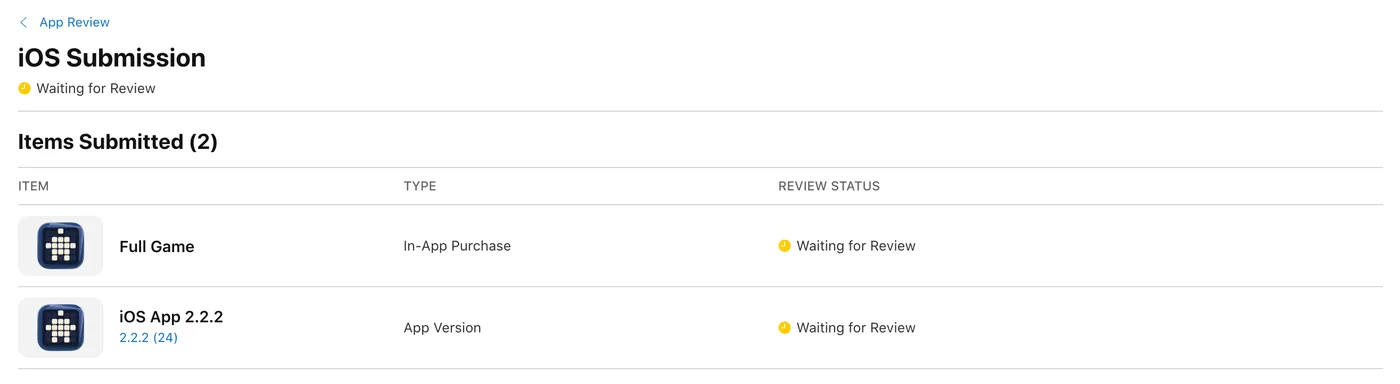
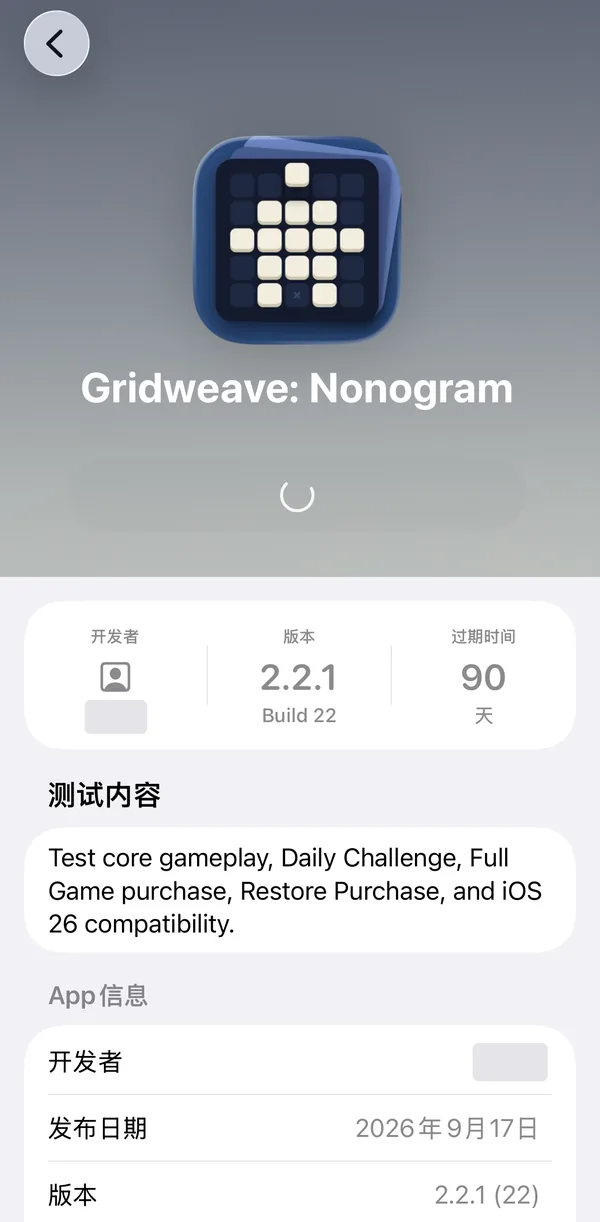
- iOS: tested on real devices through TestFlight. The first review asked for more information (Guideline 2.1), so I recorded a real-device walkthrough covering launch, 5×5, 10×10, the daily puzzle, purchase, paid albums, settings and the collection. It was approved and went live in 170+ countries and regions.
- Google Play: now publicly available through the store. Before launch, the app went through closed testing, with data safety, content rating, the in-app product and a review code for unlocking the full game configured.
01Puzzle design
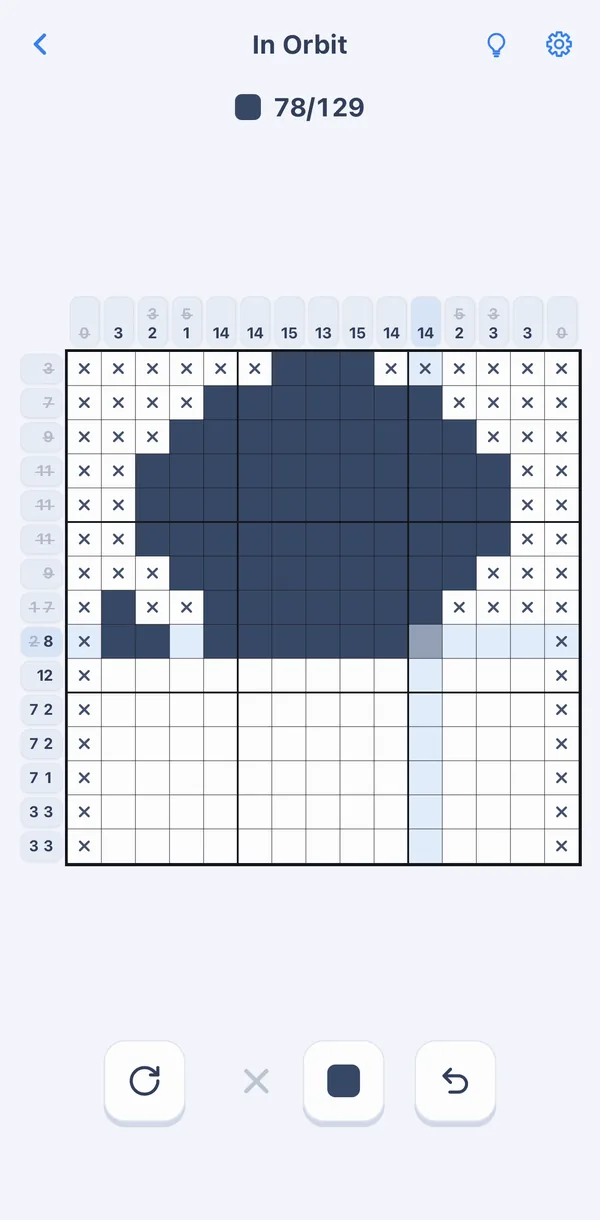
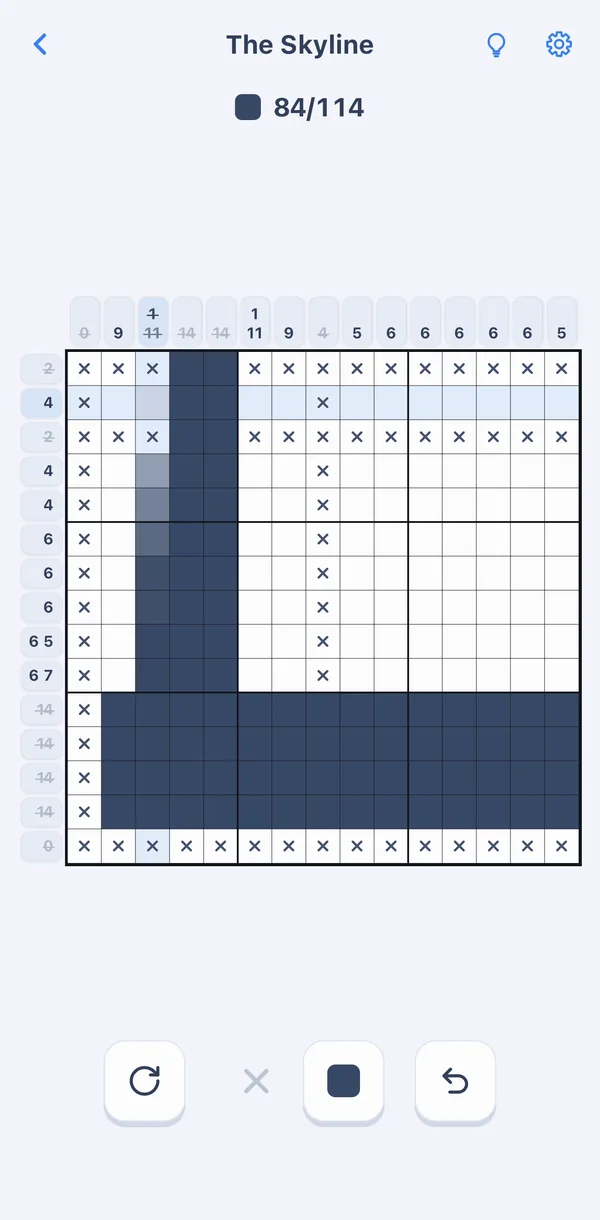
Every level is a picture
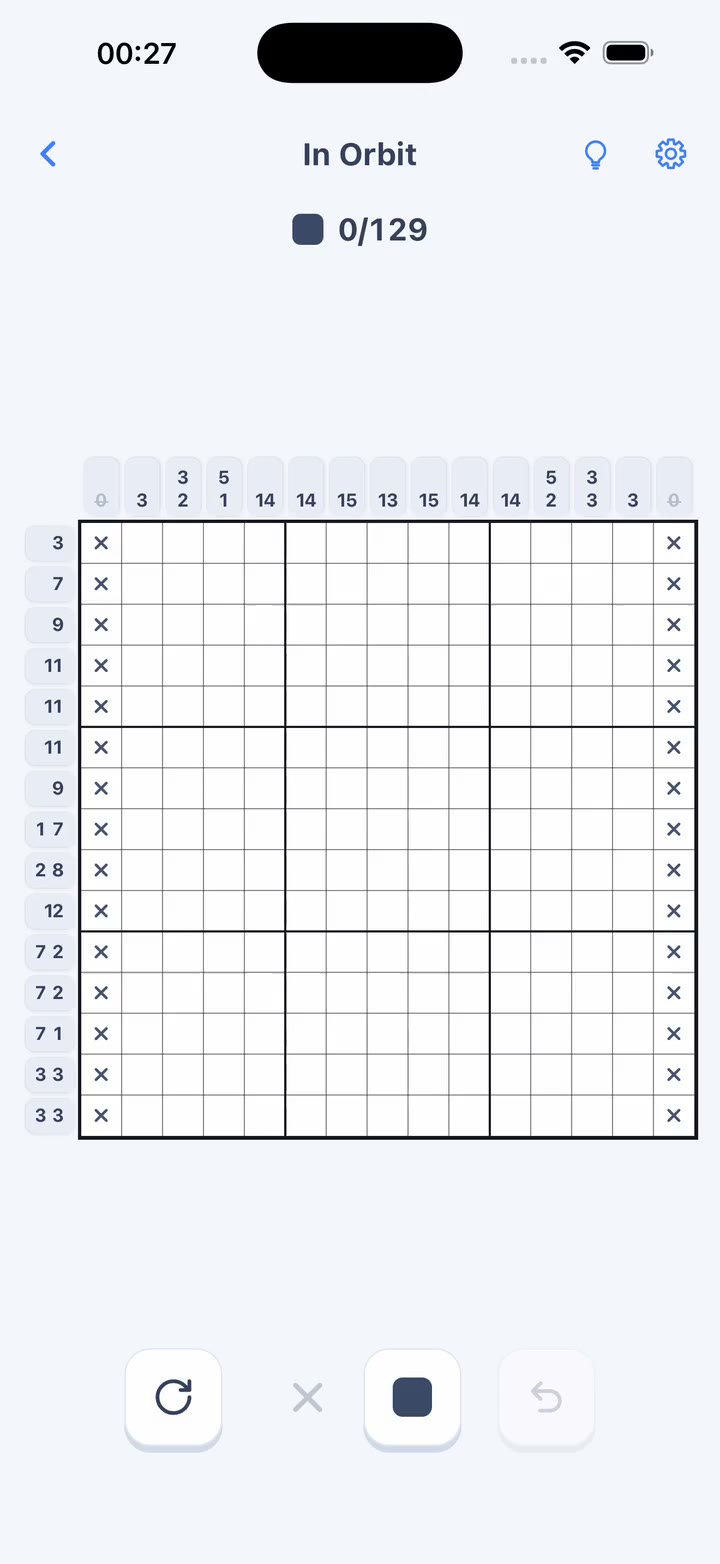
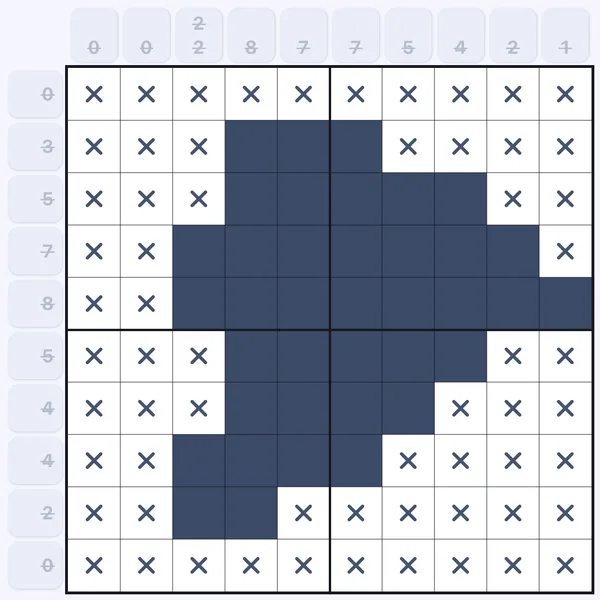
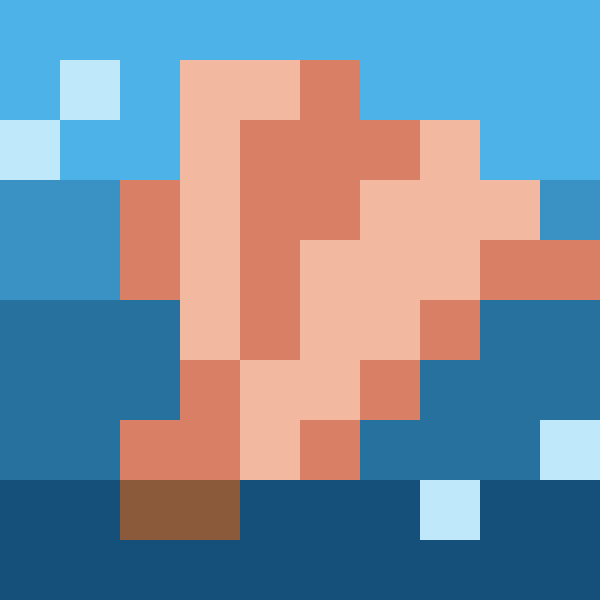
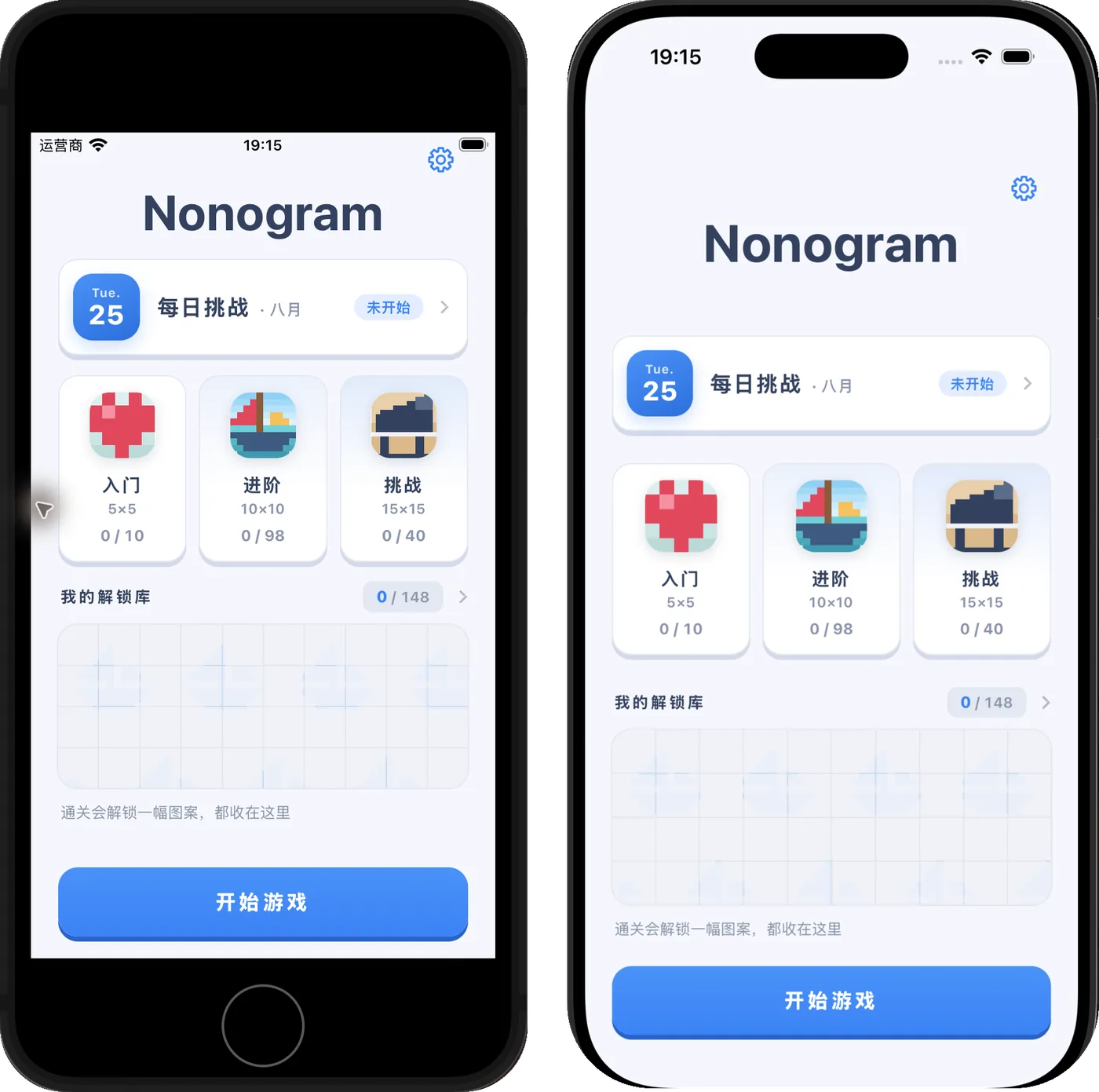
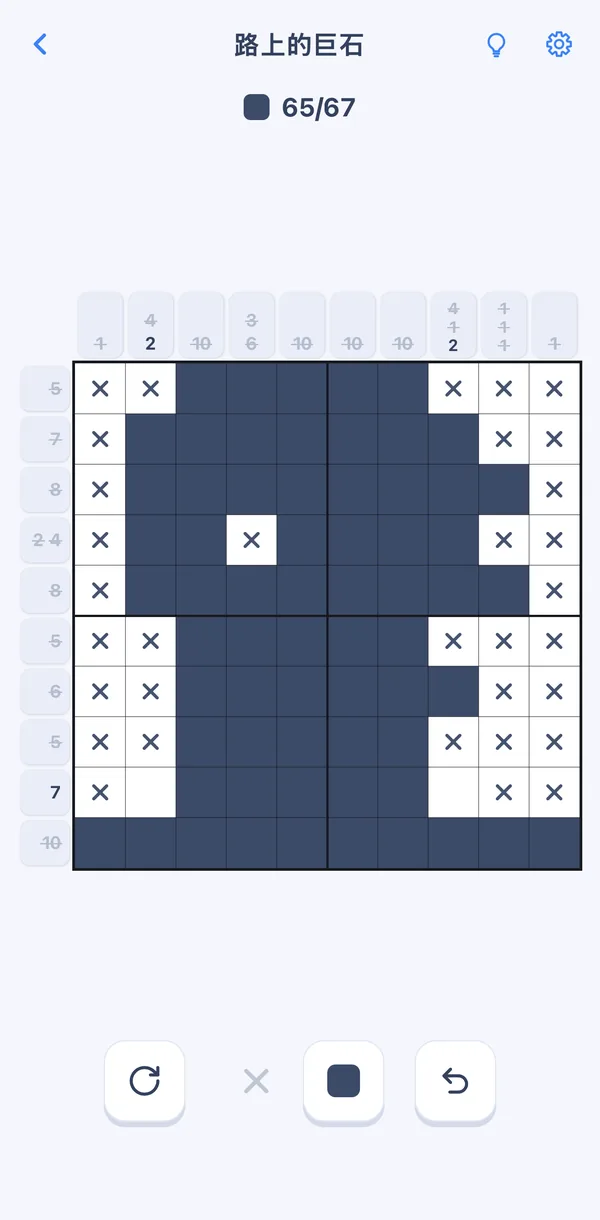
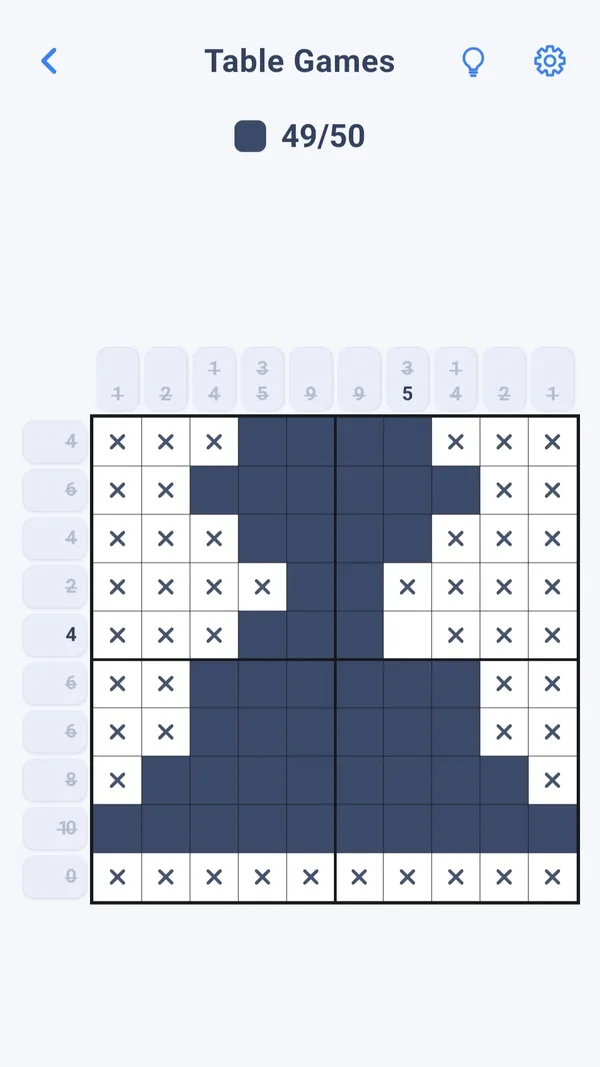
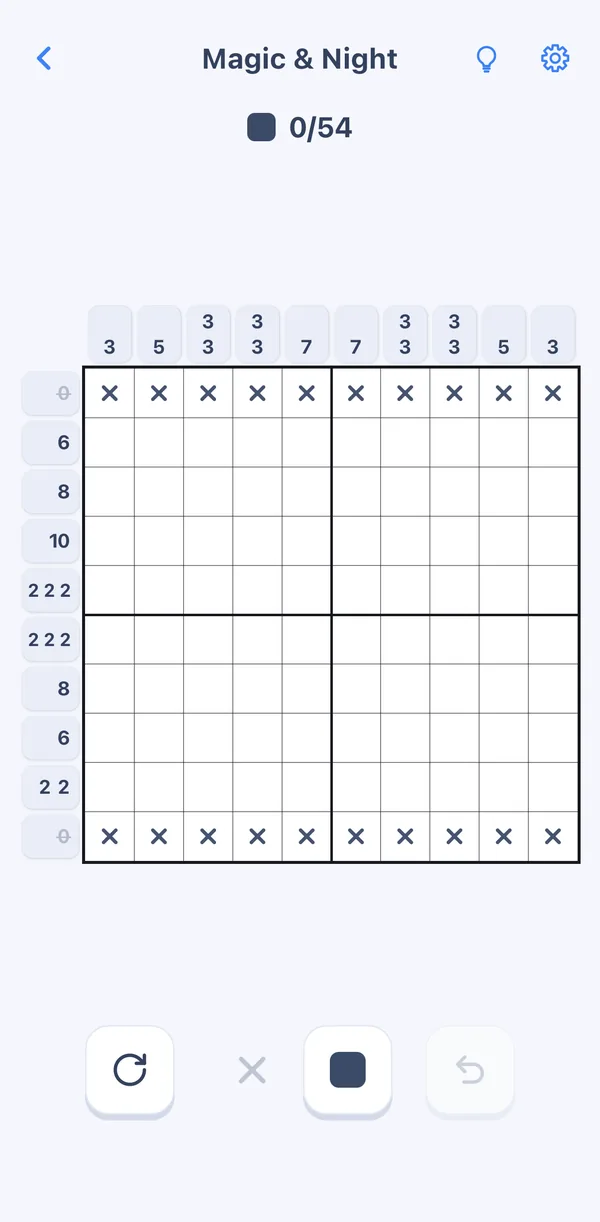
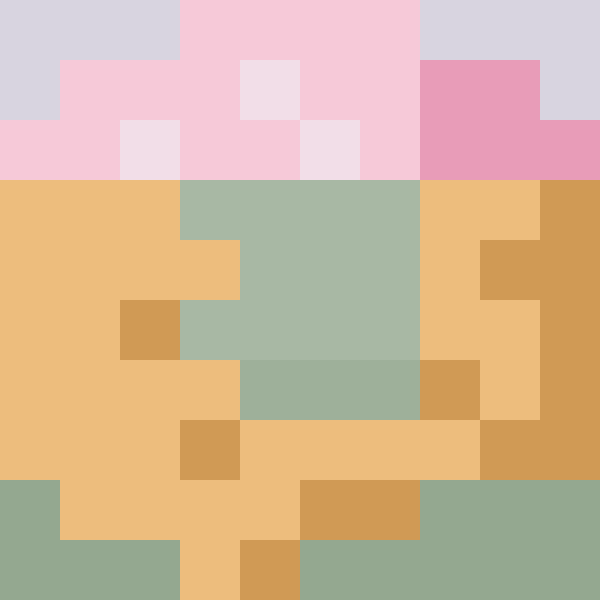
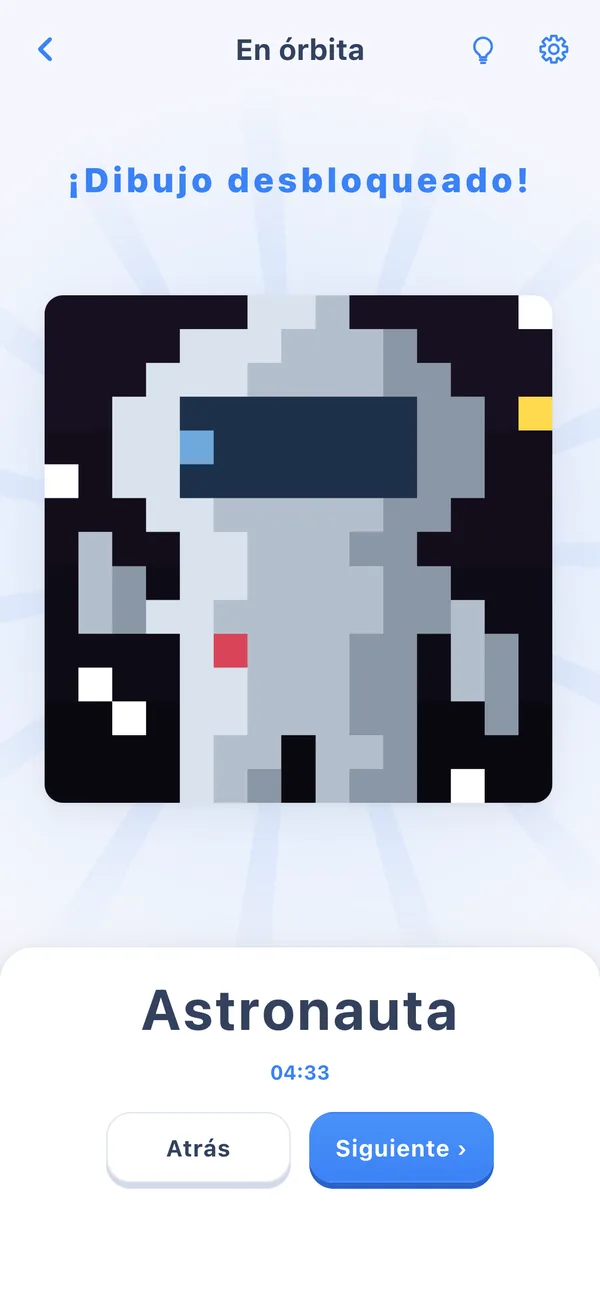
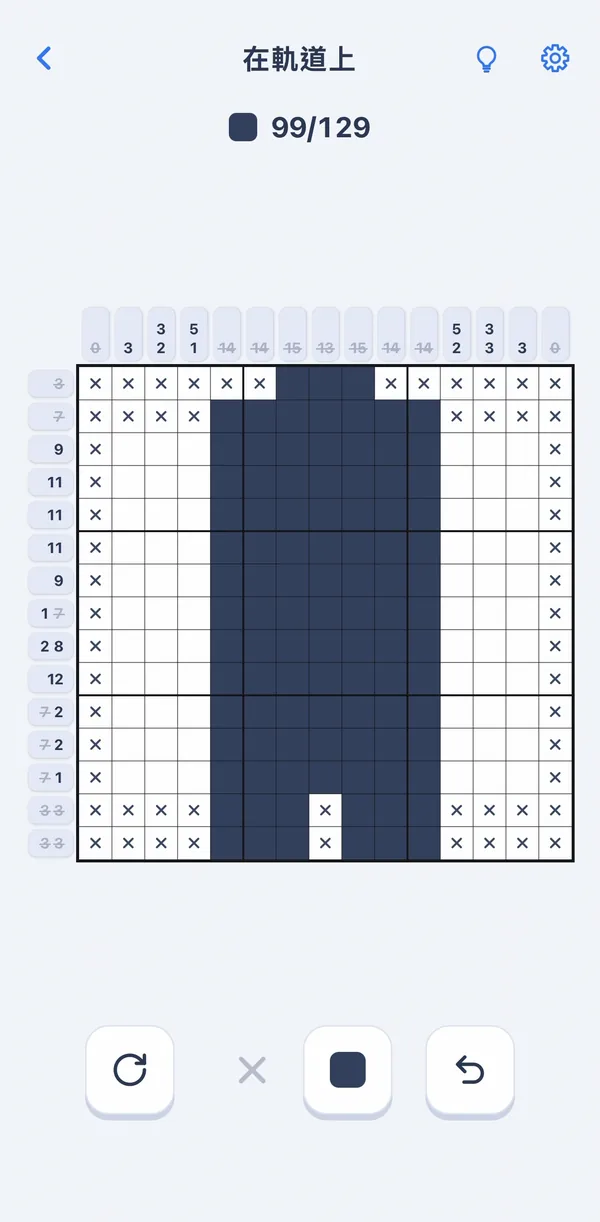
The best moment in a nonogram is when the last cell goes in and the black-and-white grid turns into a picture. So every Gridweave level is a picture: one solution, solvable by logic step by step, ending with a color pixel-art reveal and its name. The rest of the product follows from that: quiet and simple, with no timers, no lives and no ads.
 Seashell
Screenshots3
02Monetization
Pay once, no ads
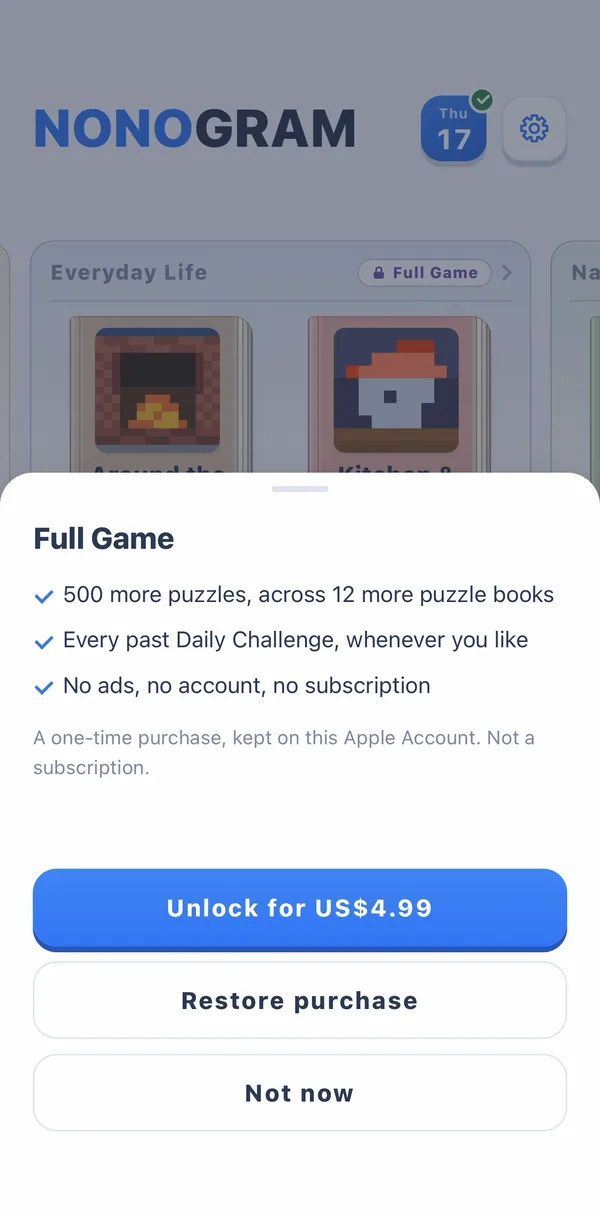
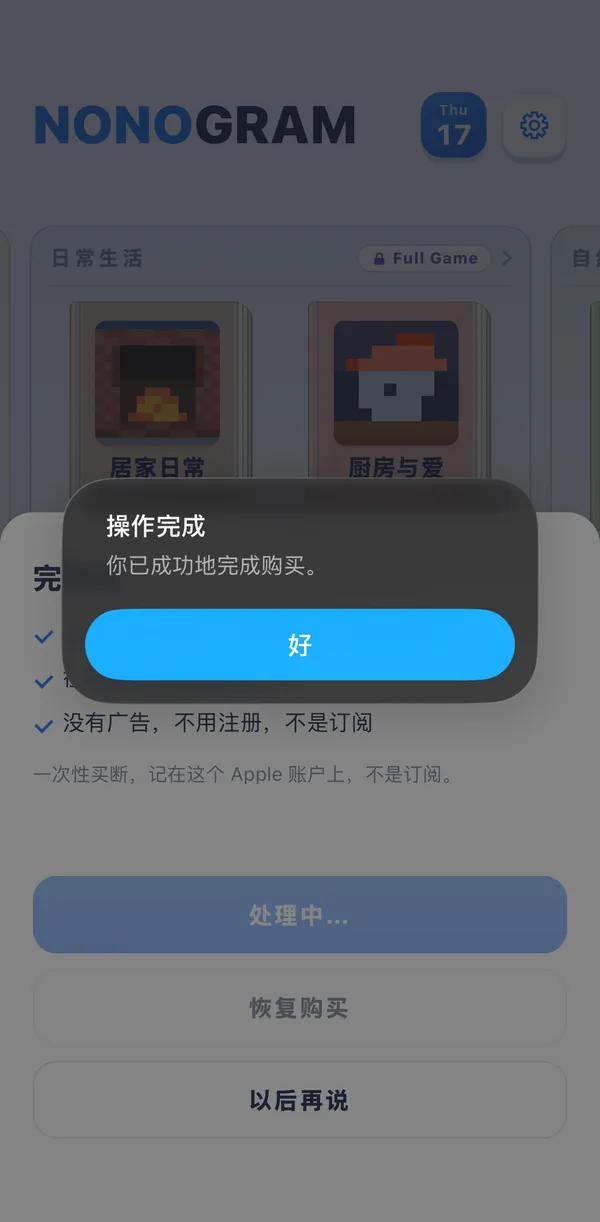
When you open Gridweave, I want the board to be the only thing in front of you. So there are no ads, and no energy or hints for sale. 100 levels and today's daily puzzle are free. If you like it, US$4.99 unlocks the other 500 levels and every past daily puzzle, a US-dollar reference price; your local store shows the actual price. Hints and settings are free for everyone. That decision shaped everything after it: with no ads to sell, the hints, the feel and the reveal only have to answer to the player.
Free
- 100 levels: the 4 Featured Picks albums
- Today's daily puzzle
- Hints and every setting
Full GameUS$4.99 · one-time
- The other 500 levels in 12 albums
- Every past daily puzzle
- No ads, no subscription
Screenshots2
03Tech stack
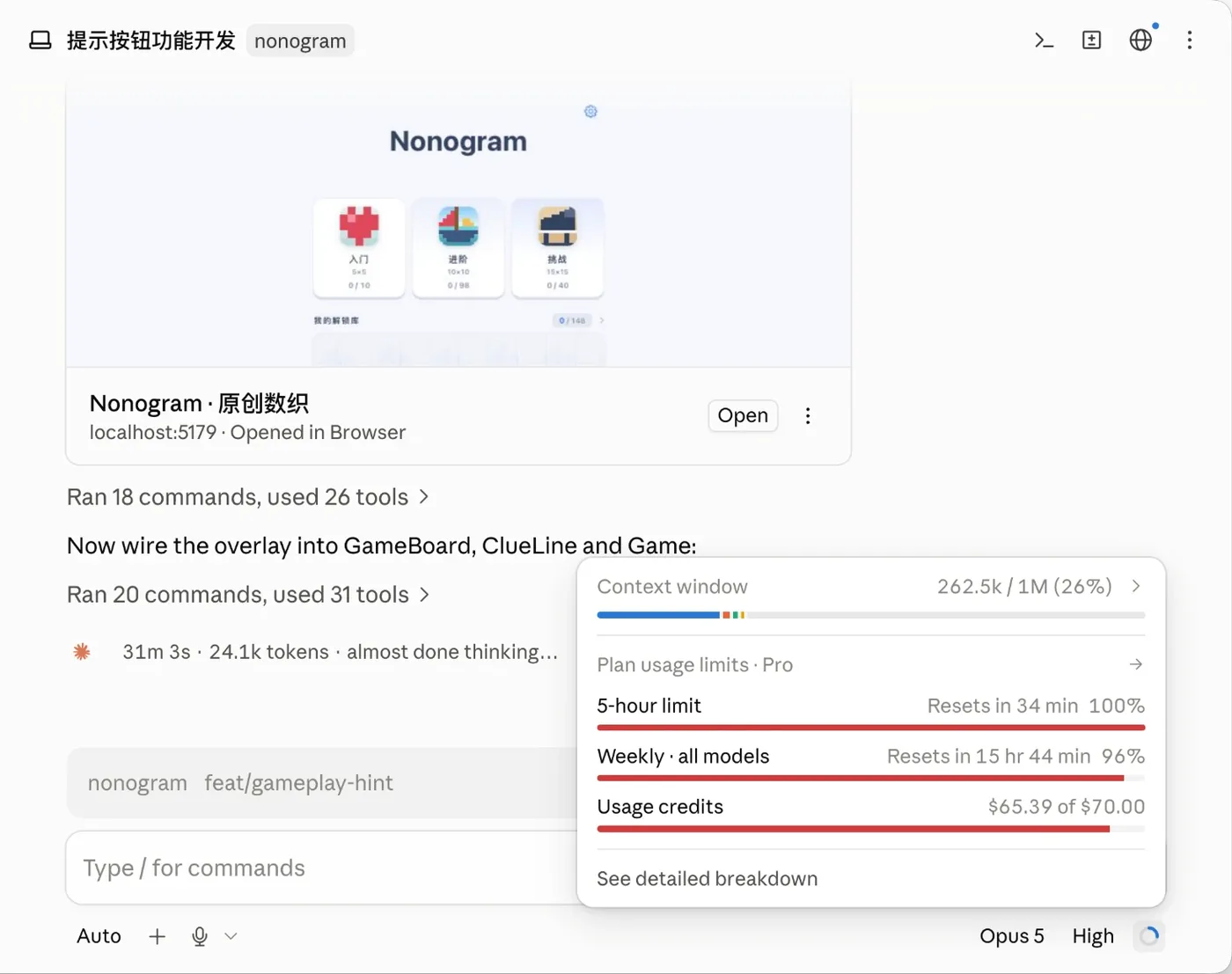
One React game on the web, iOS and Android
At its heart, Gridweave is a board of up to 225 cells that you drag across with your finger again and again. I wrote all of that interaction once, in React + TypeScript, and Capacitor wraps it into the iOS and Android apps. The web version runs the same code. Haptics, the iOS swipe-back-from-the-edge gesture and store purchases use each platform's native code. Because the core is written only once, I can keep all three platforms going on my own.
Screenshots5
Full story
- Game: React 19, TypeScript, Vite, Vitest.
- Apps: Capacitor 8, with StoreKit 2 on iOS and Play Billing on Android.
- Content and daily puzzles: Cloudflare R2 + CDN. Website: Cloudflare Workers.
- Testing: besides automated tests, an iPhone X (iOS 16) covers older devices and a rented iPhone 17 covers the newest iOS. Android haptics are tuned on a real phone.
04Play
The feel is in the details
Solving one nonogram means hundreds of drags across the board, so feel comes first for me: the vibration, the sound, how smoothly it runs, and the reveal at the end. Whether it's fun comes down to small things like these.
Controls
- Auto-crossOnce a line is complete, its remaining cells are crossed out for you.
- Relaxed modeBy default, tapping a cross with the fill tool turns it into a filled cell; strict mode makes you erase the cross first.
- Undo by strokeDrag across a row and one undo takes back the whole row.
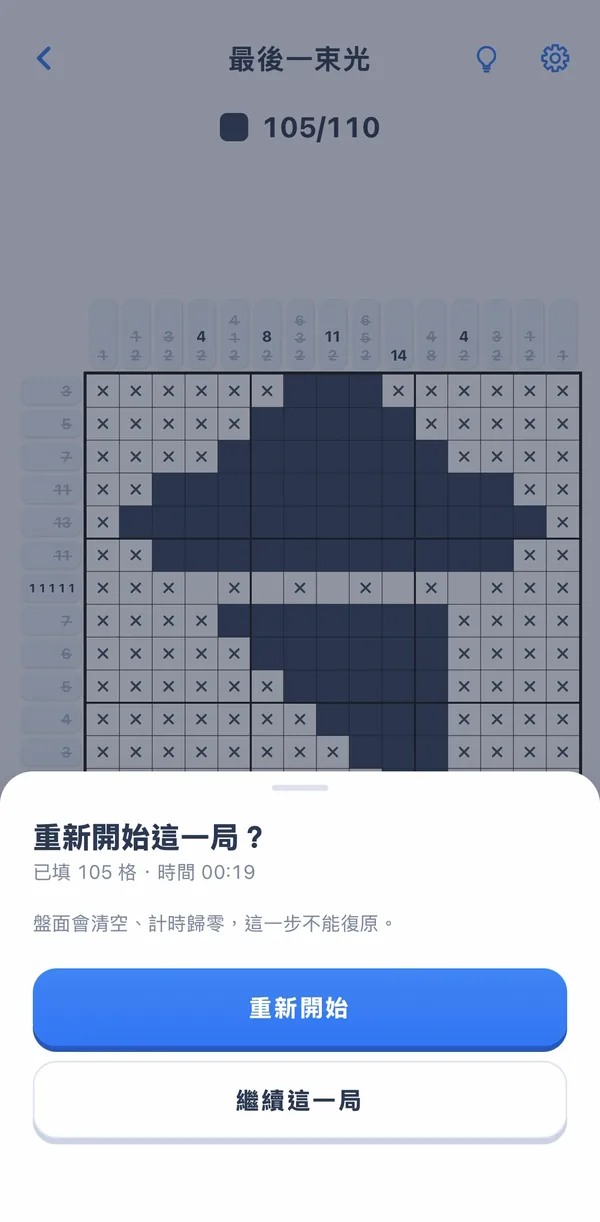
- Restart asks firstA mis-tap never wipes a game you've worked on.
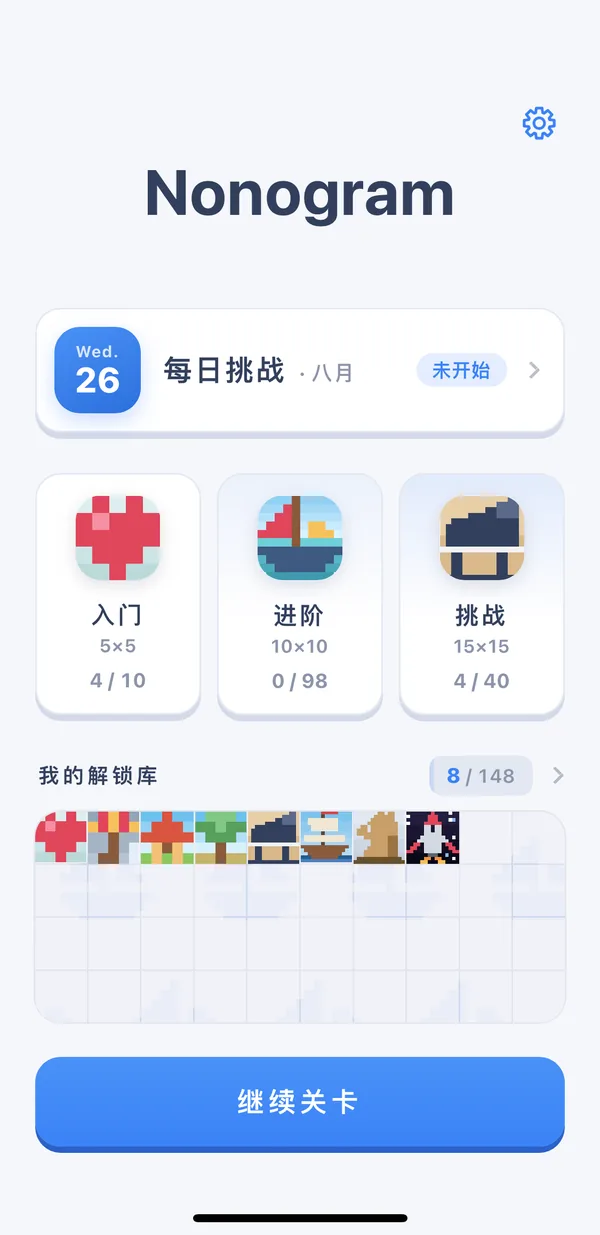
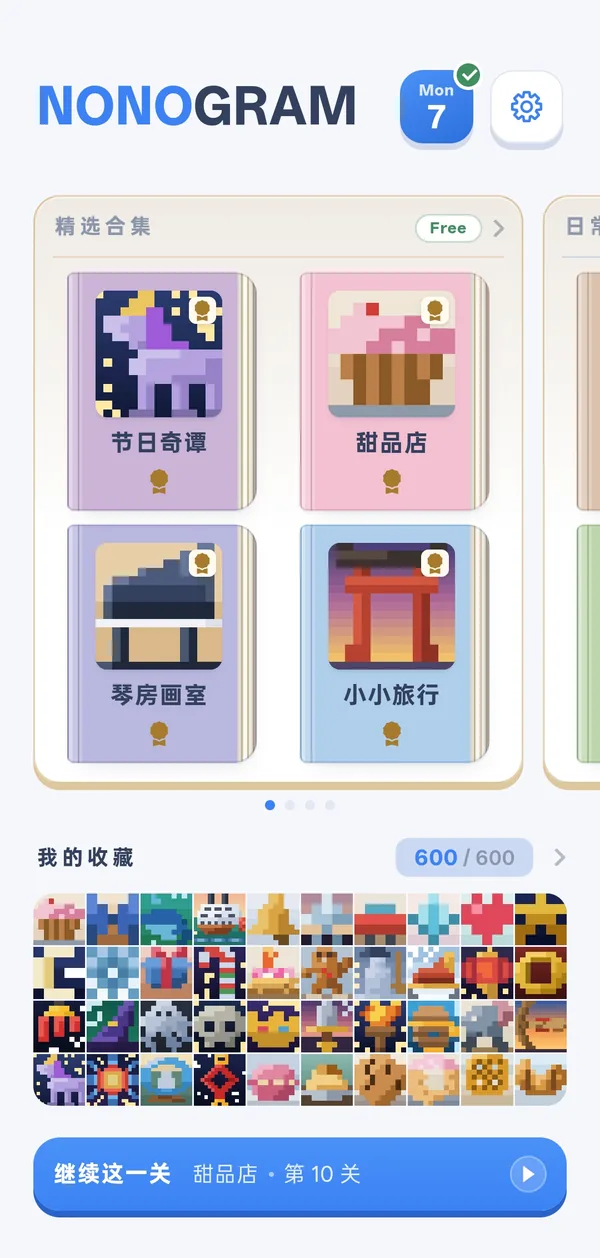
- Albums and a collection600 levels live in 16 themed albums. Every solve adds a picture to your collection.
Why it works this way
- FeedbackThe rarer the moment, the stronger the feedbackA game means hundreds of cells, and each one gets a short buzz and a soft sound. Finishing a whole line gets a stronger one. Only the solve gets a rising pulse with its own sound.
- PacingThe reveal unfolds in stagesAfter the solve, the board draws in and “Picture unlocked!” appears. These stages overlap; the results card comes last, leaving a moment with the picture first.
- PerformanceSmooth beats flashyThe reveal used to fade from blur into sharp focus. It looked better, but the first solve after every launch stuttered, so I chose smooth and cut it.
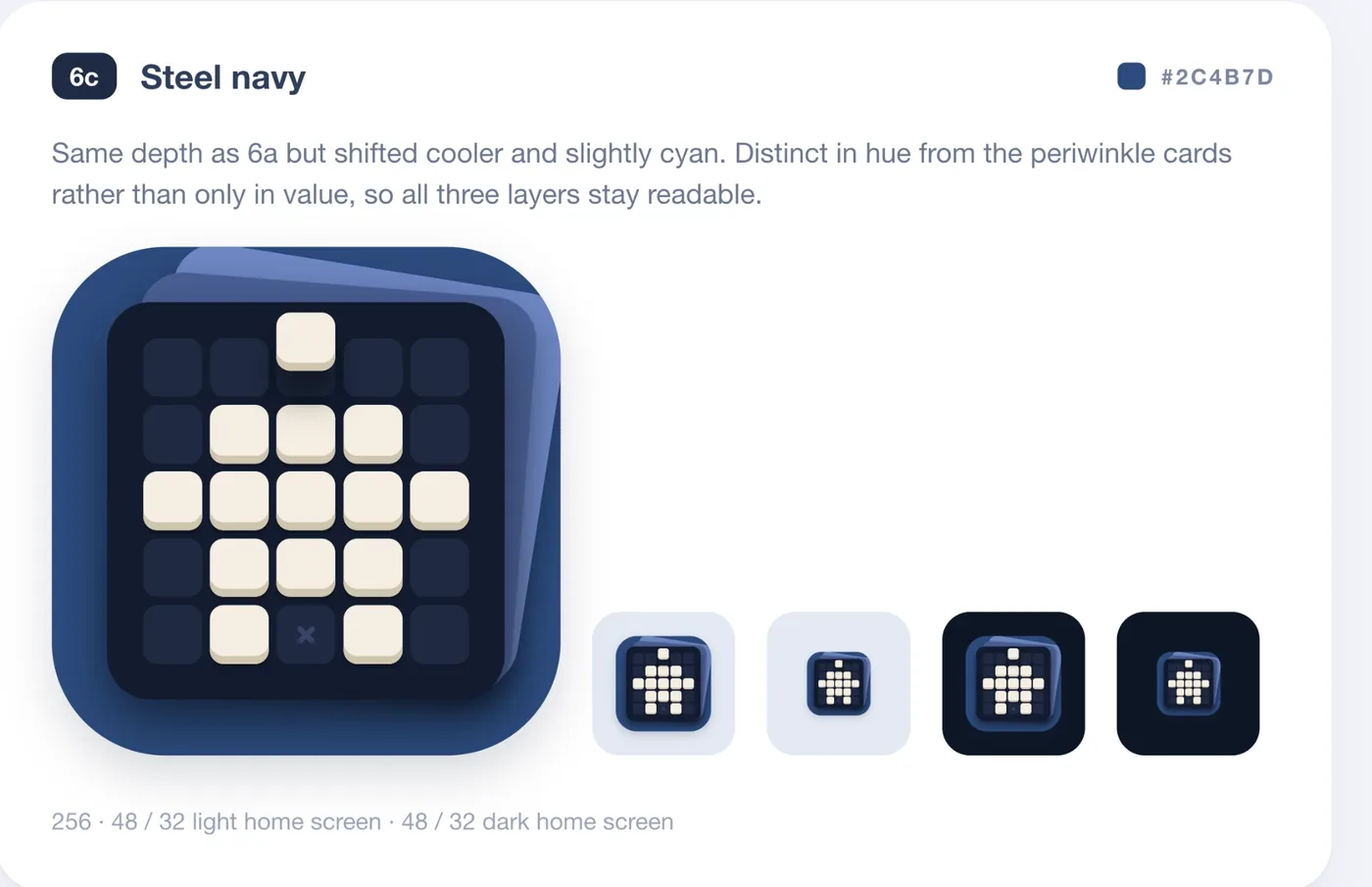
- BrandThe icon is a nonogram tooMade in Claude Design, it's a tiny nonogram: two colors, tiles with the same depth as in the app, one cross, the last tile still hanging in the air, and album pages behind.
Screenshots4
Full story
- Feedback comes in three layers, by how often it happens in a game: painting a cell (hundreds of times), finishing a row or column (a dozen or so), solving (once). Fill, cross and erase each have their own buzz. When you drag, later cells in the stroke are lighter, but you can still feel every one; I tried the system's weakest haptic instead, and the whole stroke seemed to vanish from under my finger. On the default setting, finishing a line swaps that cell's buzz for two short pulses so close together they feel like one heavier hit. The solve gets a rising three-beat pulse, with sound and the reveal animation. The strength setting used to be low / medium / high; on a real Android phone, high and low turned out to be the same waveform, so it became two levels, subtle and vivid.
- The reveal in four steps, each with its own timing: 0–0.74 s the board draws in, 0.30–1.16 s “Picture unlocked!” appears letter by letter, 0.26–1.16 s the board moves up to make room, 1.20–1.82 s the results card rises. An early version crammed all of it into 1.07 s at once: the picture was pushed away the moment it formed, and you didn't know where to look.
- Dropping the blur: the reveal used to go from blurred to sharp. That blur was the only effect in the whole app drawn only on a solve, so the first time it was drawn after each launch, the screen hitched. That was the first-solve stutter. My rule is that smoothness always beats visual effects, so it went; the title now stands out through size, weight and color alone.
- The icon: made in Claude Design, variant 6c (Steel navy). A night-navy base; tiles with depth that sink when pressed, like in the app; one cross left in the grid, because crossing out is part of solving; the top tile in mid-air, the last square before the reveal; and album pages stacked behind.
05Hints
They teach you, and never play for you
Almost every nonogram game has hints, and they aren't hard to build. Most games do one of two things: limit how many you get and charge for more, or fill in a cell for you. The first makes you stop and wonder whether being stuck is worth paying for. The second fills the cell, and you still don't know why it's right.
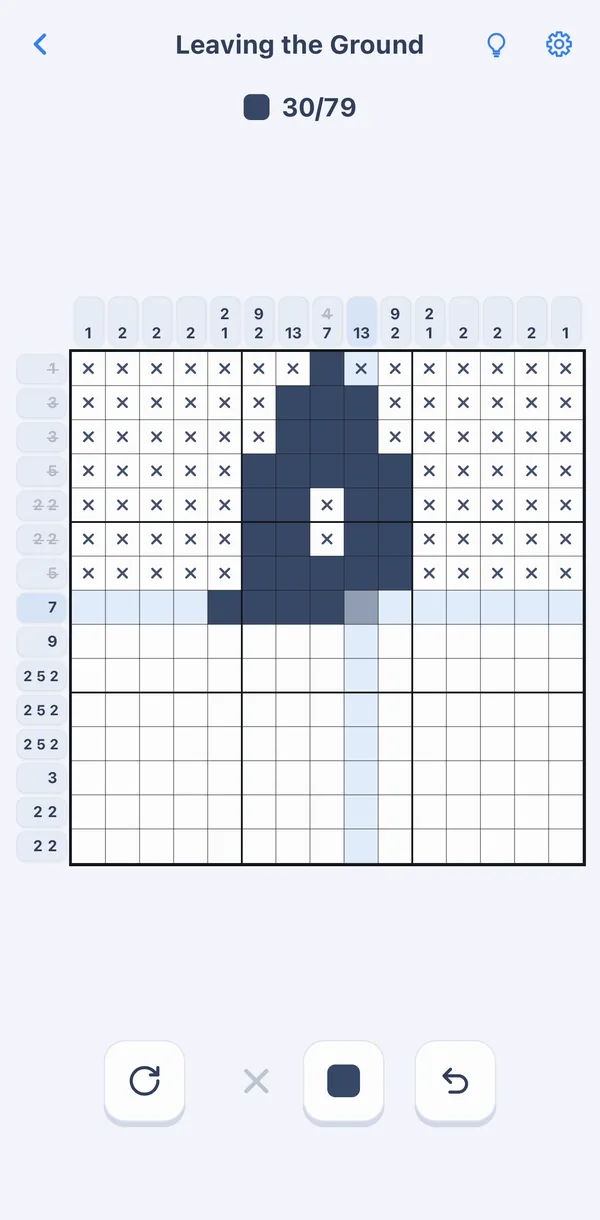
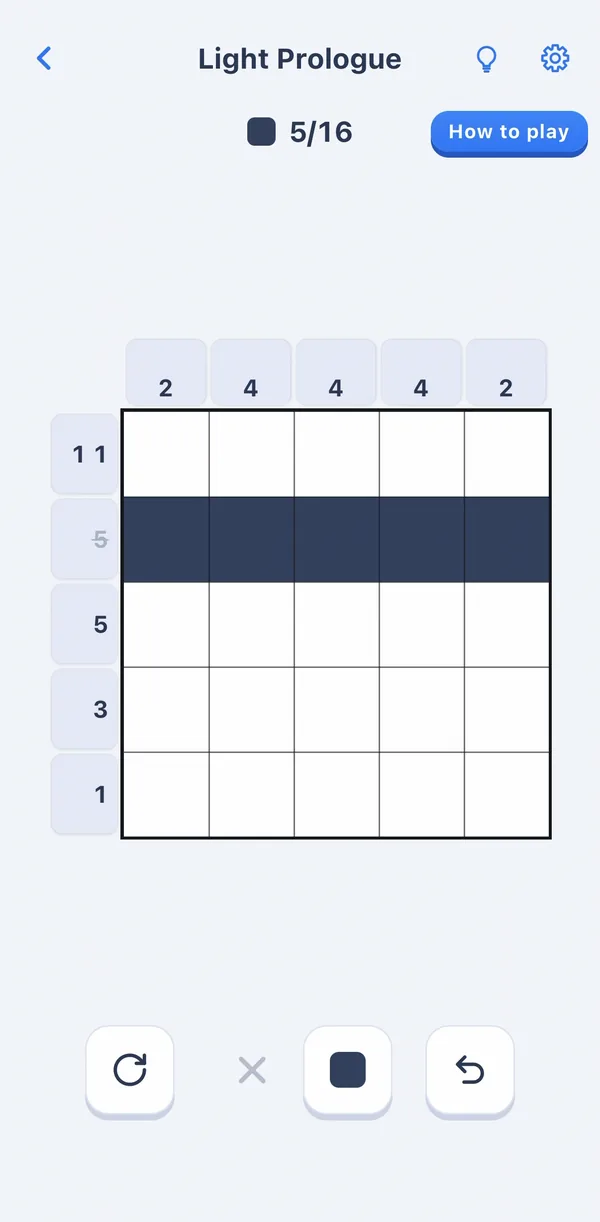
Gridweave's hints are free and unlimited, and they only teach. Press the bulb and it reads the board as it is right now, finds the step that is easiest to see, lights up that row or column, and explains why in one sentence. You fill the cells yourself.
A board often has a dozen lines you could work on. A program scans them in order, row after row, but people don't look that way: a 9 in a 10-cell line tells you at a glance that the middle cells are filled, while a line where you have to juggle a 5 and a 3 takes real thought. So hints are ranked by how much effort a step takes to see, easiest first. And a hint never just gives you the answer: copying the answer would finish the puzzle too, but only following a person's line of reasoning teaches you how.
That's why the hint doubles as the tutorial: the first level teaches with it, and every new technique after that is introduced by it. Outside of the code AI can write for me, this is the product decision I care about most.
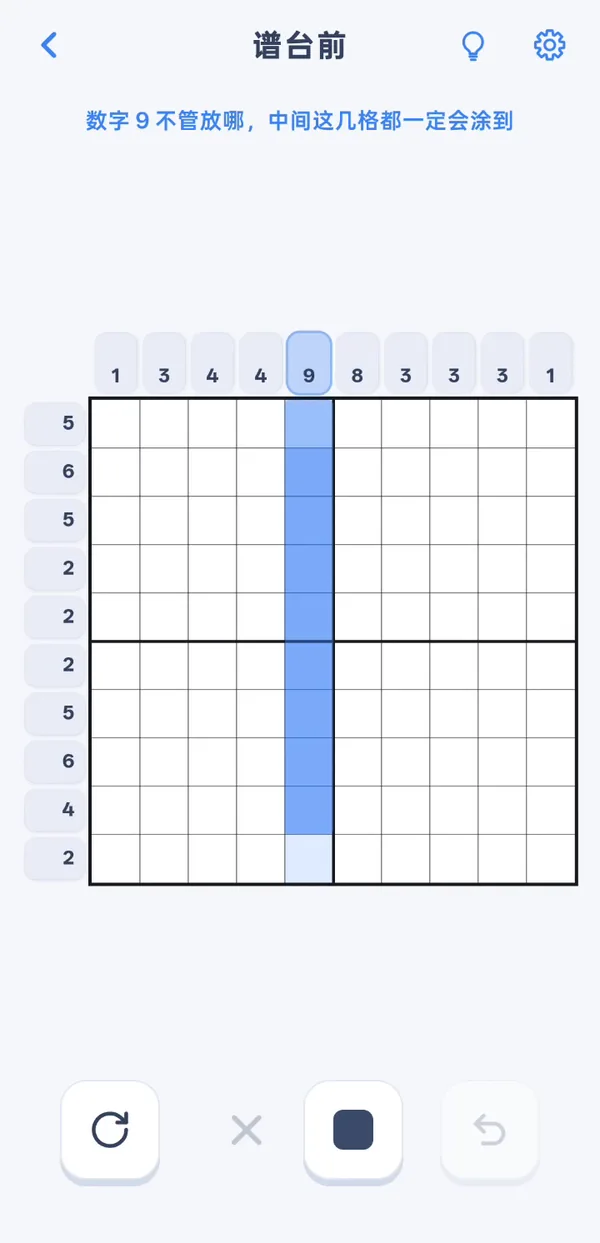
“Wherever the 9 goes, the middle cells are always filled.”
Screenshots1
Full story
- Each hint looks at a single row or column: what's filled and crossed on the board right now, plus that line's clue. There are seven techniques, from "the clues fill the whole line" to "this gap is too small for any block".
- Ranking follows how much effort a step takes to see: how hard the technique is, how many clues you have to hold in your head at once, and whether it lets you fill cells (steps that only add crosses are harder to spot). Among equally easy steps, the one that reveals more cells wins.
- The only time it looks at the answer is to check for mistakes. If you've filled a wrong cell, the hint points to that row first instead of reasoning on top of a broken board.
- Still stuck? Press again without painting anything, and it lights up the line that crosses the first one; where they meet is the cell the step is about. Two crossing lines practically hand you the answer, so you only get that by asking twice. After that, however many times you press, it never paints a cell for you.
- A problem I hit along the way: the first version took its conclusion from the solver, which in effect already knew the answer, then attached a generic explanation that reasoned as if the line were still empty, ignoring what you had filled and crossed. The conclusion was right, but no person would reason that way: on a real phone I saw a 5-cell line with crosses at both ends, where a 3 has only one place to go, and the hint still said “consider where the 3 could go; the positions overlap.” The fix was to reason only over placements that really fit the current line, with a test that makes every deduced cell match the line-by-line solver used to validate levels.
06Puzzle production
AI proposes, the machine checks, I decide
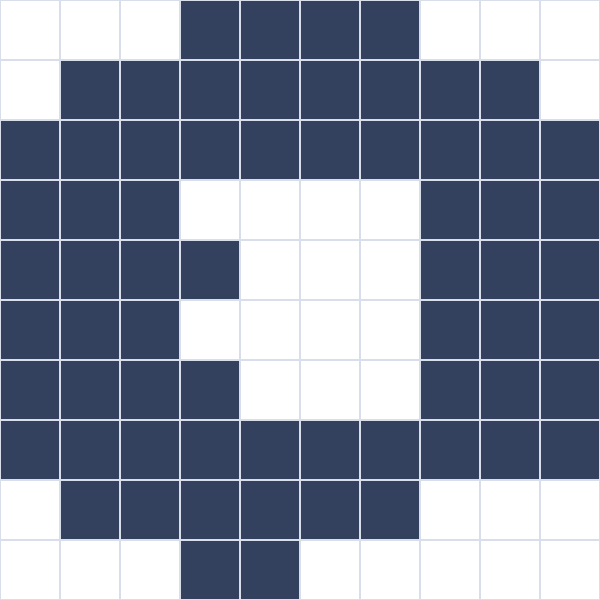
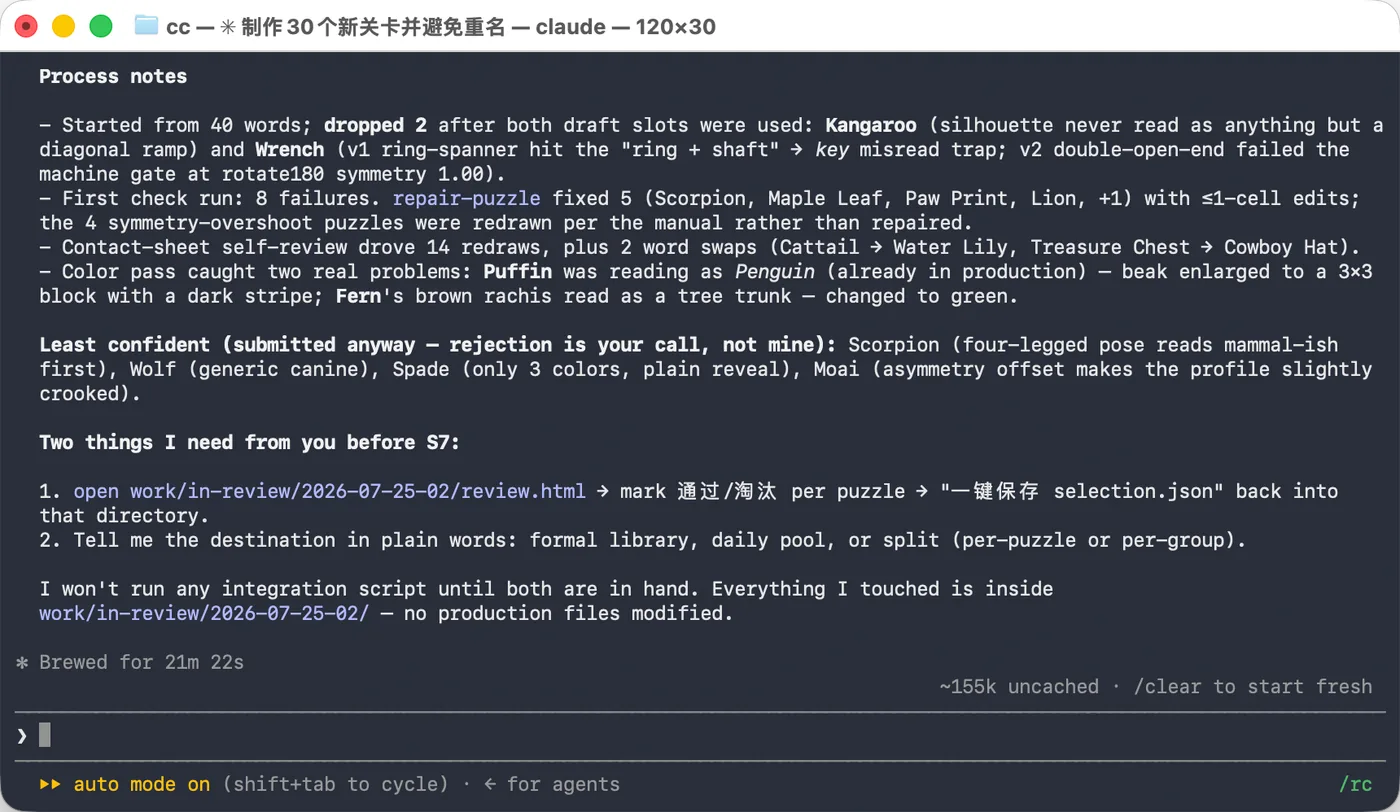
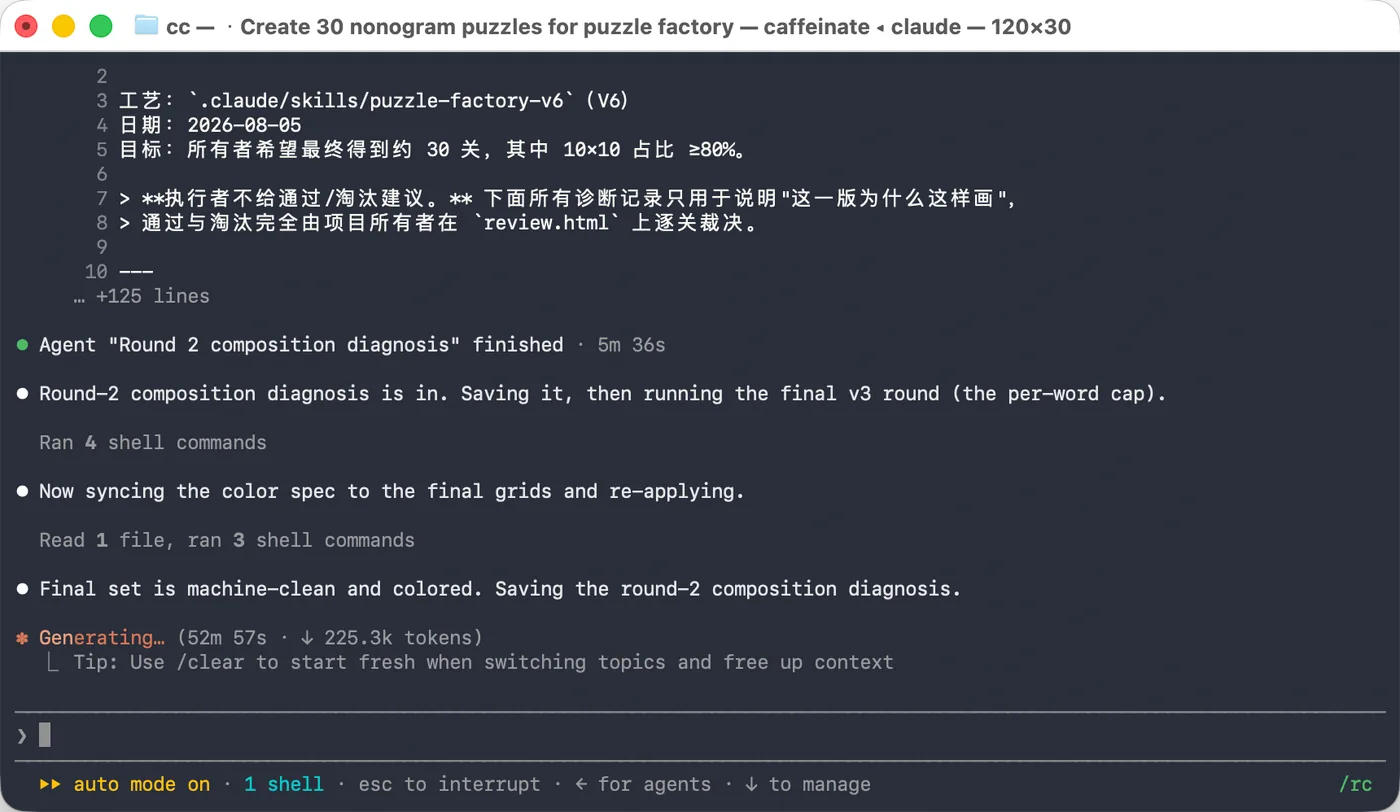
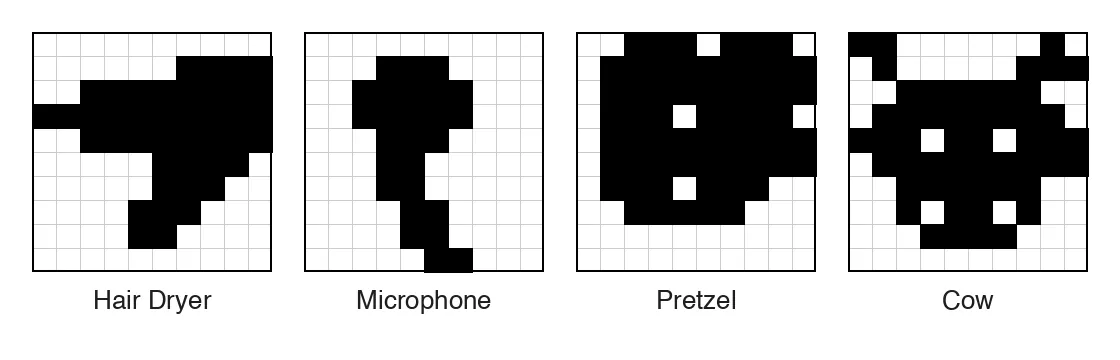
600 pictures are too many for me to draw by hand, so I built a pipeline. AI generates candidates by theme. Each one has to pass automatic checks first (exactly one solution, solvable by logic, not a duplicate of an existing level, a usable palette). Then I review every one and keep it, send it back or reject it. So far 600 levels made it into the library, and I turned down 952 candidates.
- AI candidatesTheme, composition, palette
- Automatic checksUnique · logic-solvable · no duplicates · palette
- My reviewKeep · rework · reject
- LibraryAdd to game, re-test, release


Screenshots3
Full story
- Automatic checks: data format, exactly one solution, solvable from an empty board by line-by-line logic alone, no guessing, not a rotation or mirror of an existing level, every color actually used. All 600 levels pass (2026-09-21).
- My verdicts fall into three kinds: doesn't look like what it's meant to be, too obscure for most people to recognize, or salvageable and sent back for rework.
- Making and shipping puzzles are two separate skills: the puzzle-making skill stops at handing me candidates for review; approved levels go to a release skill that adds them to the game, re-runs the tests and publishes.
- One comparison (2026-08-12): I made the puzzle-making skill more elaborate (v7.1), then ran the old and new versions on the same day, 36 candidates each, for my review. Approvals dropped from 25 to 20. So I kept only the duplicate checks and the hand-off format, and dropped the extra self-review steps.
- An automated audit of an early 102-level batch: zero must-fix problems (blockers), 26 warnings.
07AI models
Who does what — learned by trying
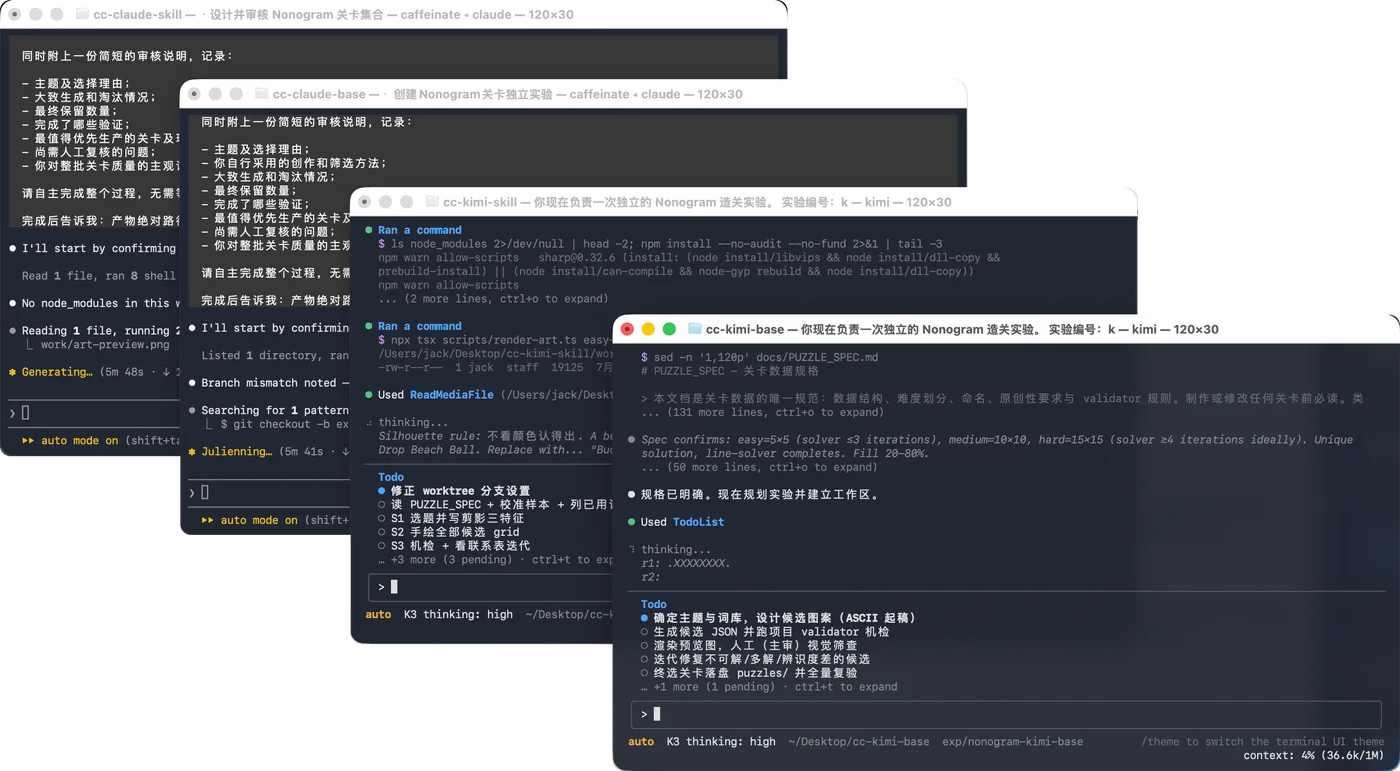
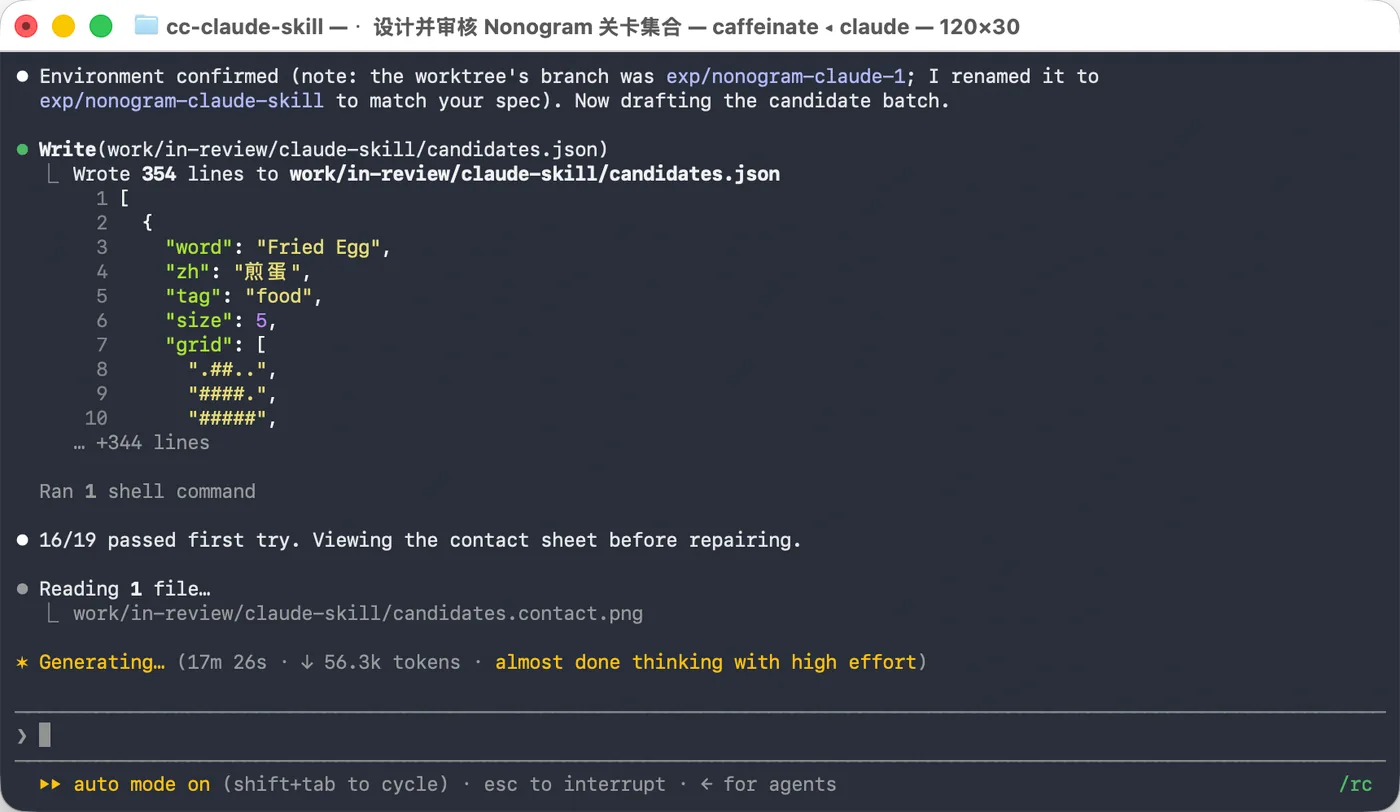
The split in the hero wasn't planned up front. At the start, Claude wrote the core code, batch puzzle-making went to Codex, and later Kimi had a turn at making puzzles too.
The turning point was July 22. I had all three make puzzles at once, half of the groups with the puzzle-making skill Claude wrote and half without. The chart below shows what happened. From then on, Claude became the main puzzle maker, with further Codex experiments afterward.
The other two didn't drop out; they moved to work that suits them better. Codex is best at explaining things to a person, and Kimi K3 has the best eye of the three. The cards below say what each one does.
- Claude CodeCode and puzzlesThe game's core code and main features were written with it. Puzzles follow the puzzle factory skill and need an Opus-class model; I kept few of the puzzles Sonnet made.
- CodexAudits and testsTurns code audits into reports I can follow, and compares branches and worktrees to tell me where the project stands. Jobs I could do myself, like deploying the site or putting a debug build on my phone, go to it to save time.
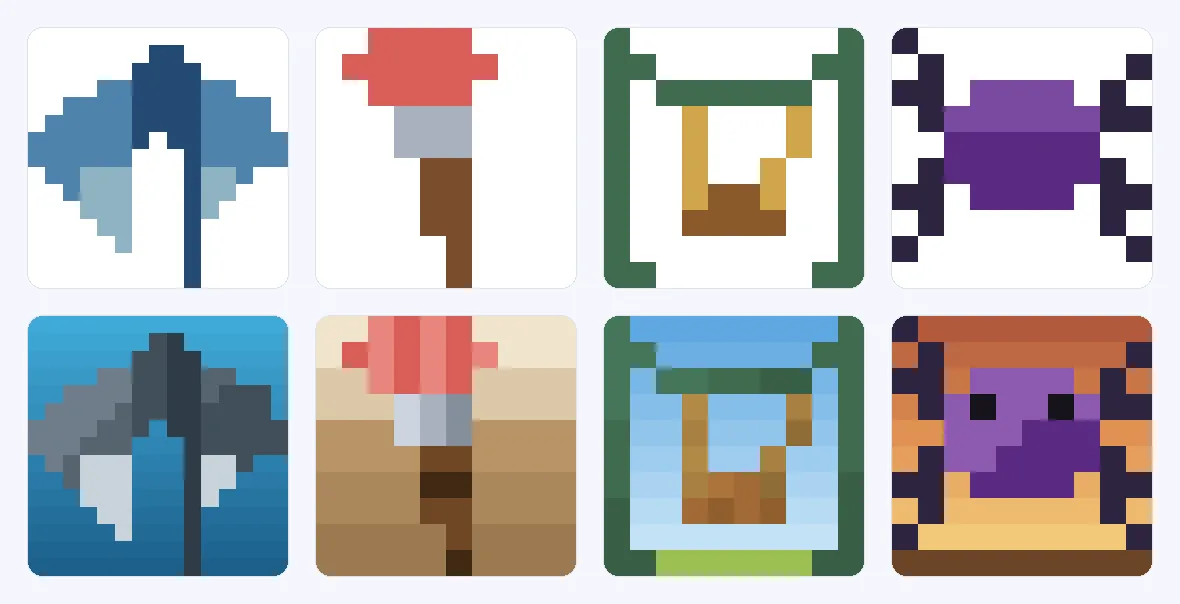
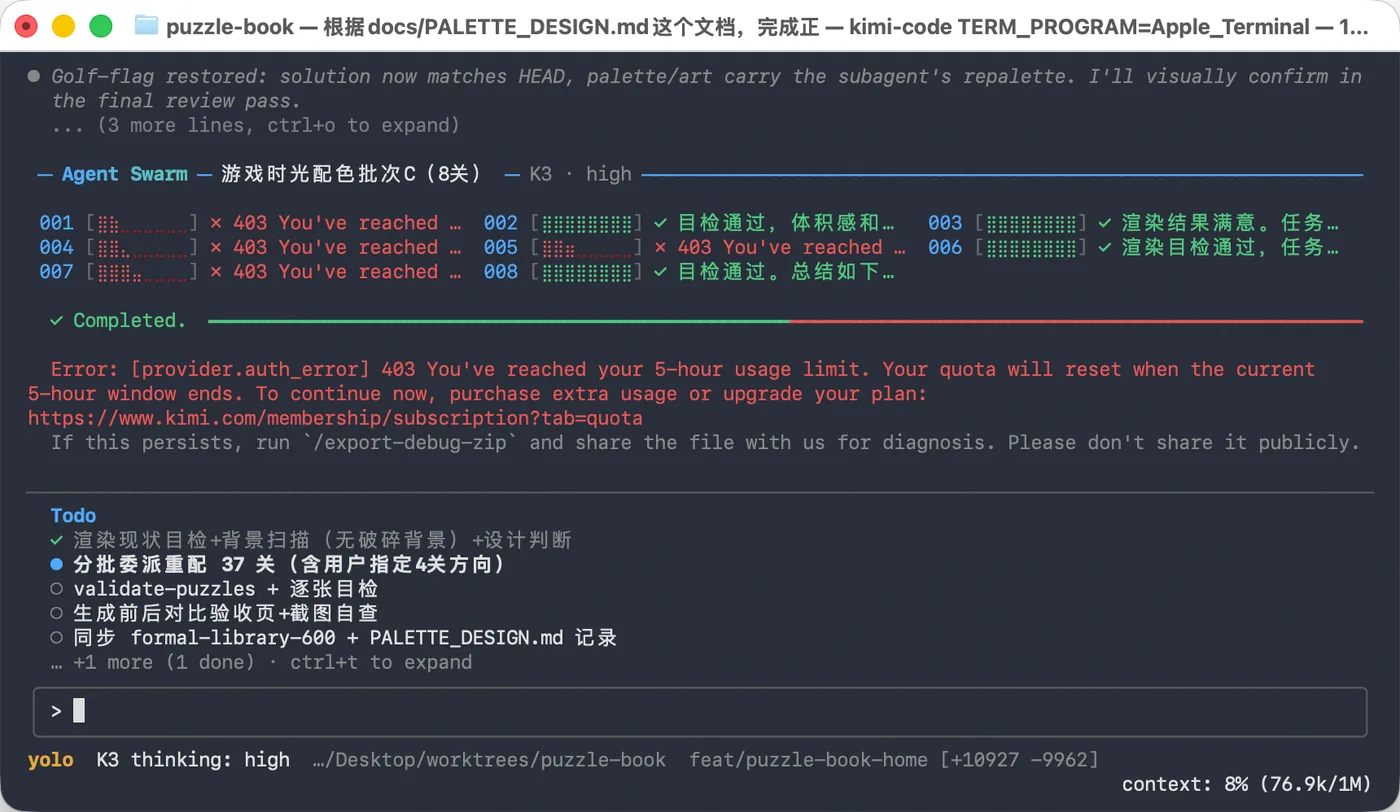
- KimiColor and scenesThe first puzzles all sat on white. Kimi K3 gave each one a background that fits its subject, and reworked the palettes that didn't look right, used too few colors or spread one flat color over large areas.
Screenshots5

Full story
- The scope of the July 22 trial: all three started the same day from the same code, each with one group using the skill and one without; each group picked its own subjects, and I reviewed every puzzle myself. Each group had only 8–16 candidates and subjects were not fully controlled. This is a personal workflow trial, not evidence that the skill alone caused the difference or a general model ranking.
- Submitted and approved counts differ: Codex went from 4/9 without the skill to 1/8 with it, with fewer submissions. Kimi went from 6/14 to 3/16, with more submissions. Both approved counts and rates fell in this trial, but the denominator changes do not have a single shared explanation.
- Why Codex didn't get its own skill: in August I wrote four versions just for it, to check whether the skill simply didn't fit. None matched its no-skill result. One let it loop and batch-produce on its own; it made a lot, and I kept very little. Volume didn't buy quality, so puzzle-making never went back to Codex.
- Why puzzles need Opus: each one has to look like its subject, be solvable by logic alone and have good colors, all weighed together. Sonnet made puzzles too, and the gap was obvious, so puzzle-making only uses Opus-class models now.
- Why Claude's puzzle-making skill got shorter: from v1 to v7.2 I kept adding self-checks, and same-day comparisons showed that the heavier the process, the fewer puzzles passed. What stayed were a few drawing techniques that actually work, like a small prop that gives the silhouette context and room around the subject. They came from running three Claudes in parallel: same skill, with approval rates differing by more than 2×, and the whole difference was in how they drew.
- Why backgrounds and color went to Kimi: the first puzzles were on white, so the reveal showed only the subject. For the art upgrade, each puzzle needed a scene that fits its subject, like underwater, a night sky or a room's walls and floor. That is a question of taste. Side by side, the work from K3, Kimi's flagship model, looked best, so it got the job; saving tokens had nothing to do with it. The palette upgrade went the same way: it redid the colors, and I signed off album by album.
- Why audits and chores went to Codex: what it hands back is the easiest for a person to read. Its audit reports explain what each piece of code does and how good it is; comparing branches and worktrees, it tells me which is ahead and what hasn't been merged. Tests, deploys and builds I could do myself go to it, so my time goes to the decisions.
08Daily puzzle
Puzzles first, the date list last
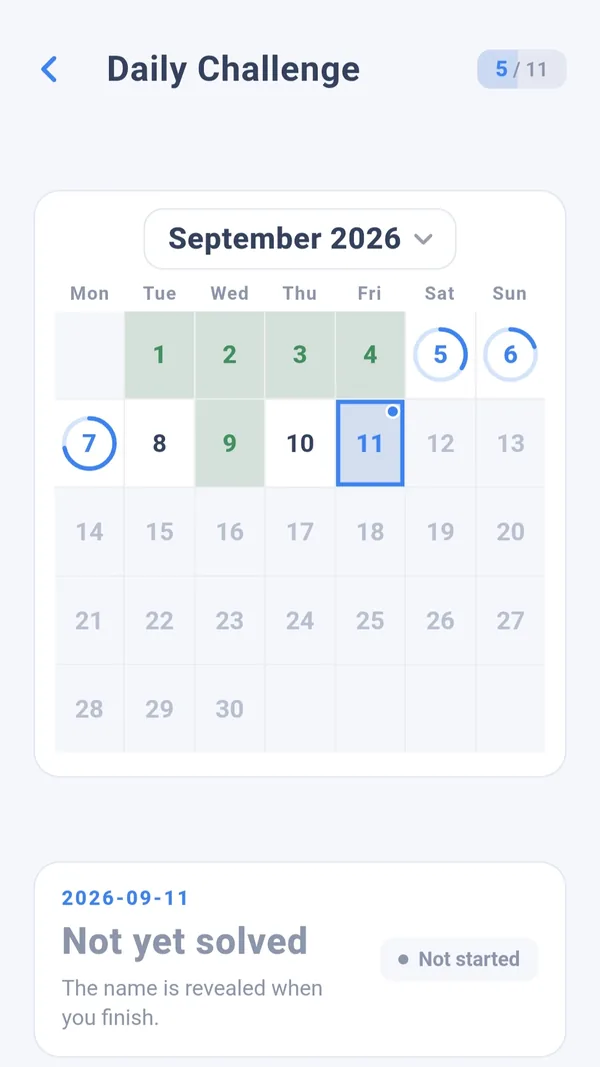
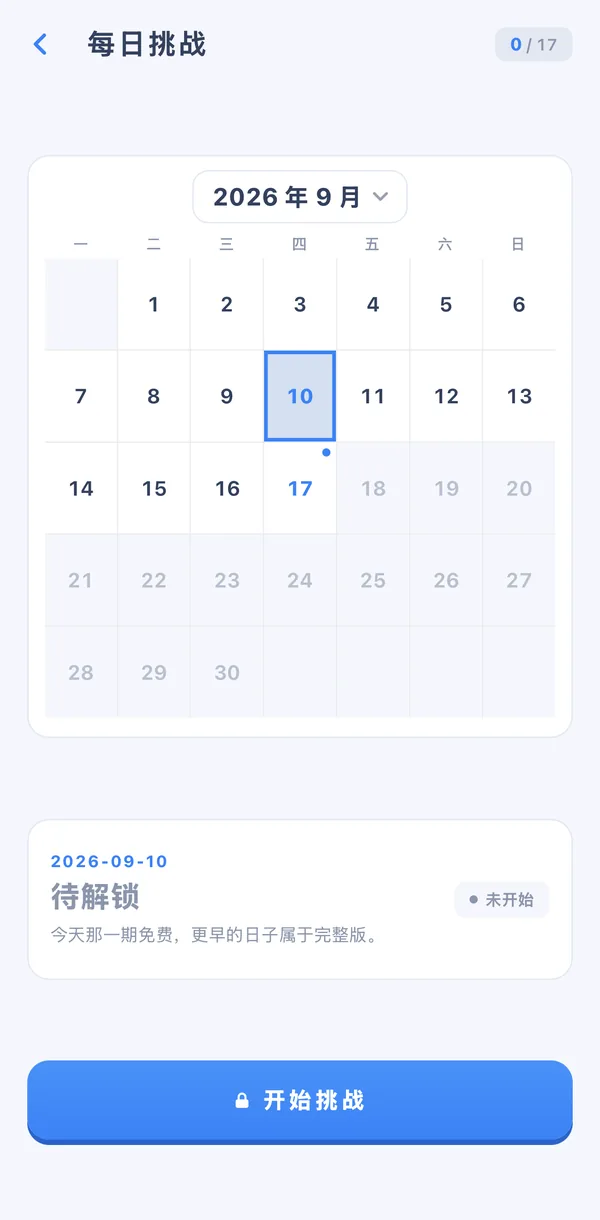
A new puzzle every day is a reason to come back tomorrow. Daily puzzles live on a CDN: the app reads a list of available dates, then fetches each day's puzzle. If the list went up before the puzzles and an upload broke halfway, players could open an empty day. So a release checks the whole batch, uploads each file, and only updates the list once everything is in place. Failed uploads retry, and re-running a whole release is safe.
- Puzzles + scenes
- Check the batch
- Upload each fileretries on failure
- Update the date list
- Player's calendar
Screenshots2
Full story
- One real release backfilled 188 days (2026-08-08). Six files failed on the first upload and succeeded on retry, and only then was the date list updated. Every file was then read back from the CDN and compared: all 188 matched. I also spot-checked two dates that were already live, and both were byte-for-byte unchanged, so the release hadn't touched old content.
09Localization
9 languages, UI text and puzzle names kept apart
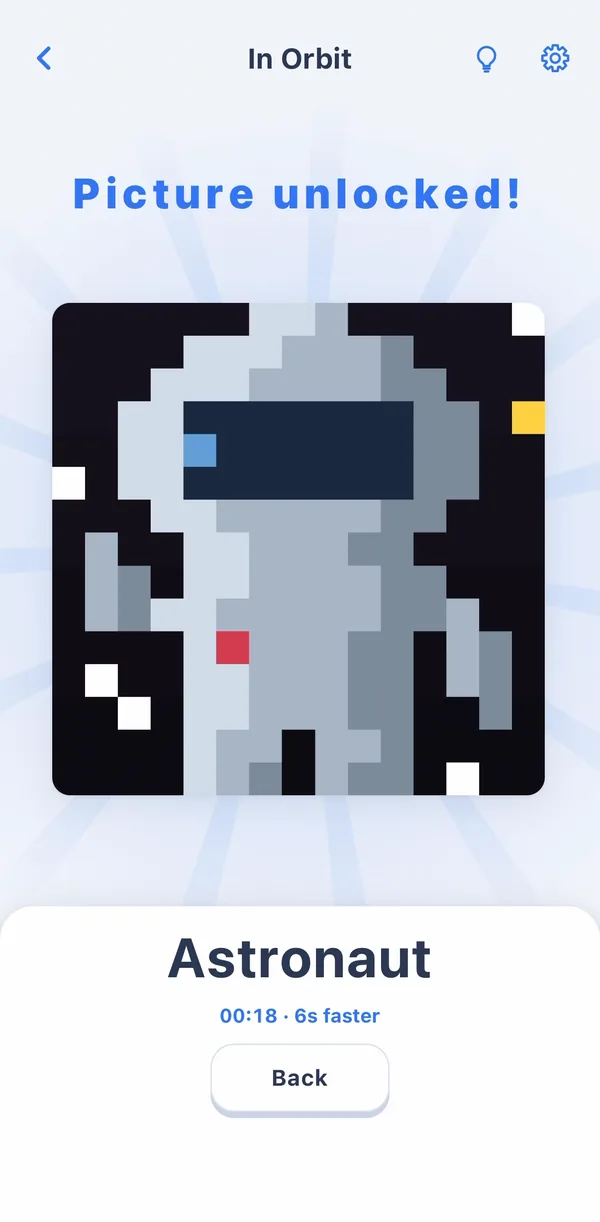
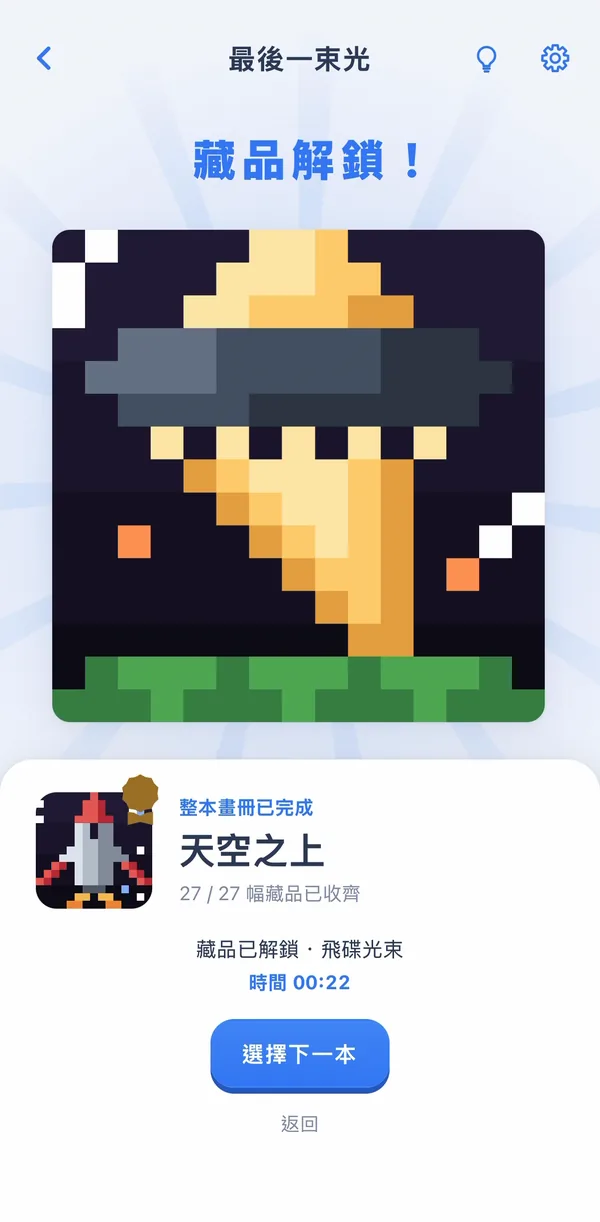
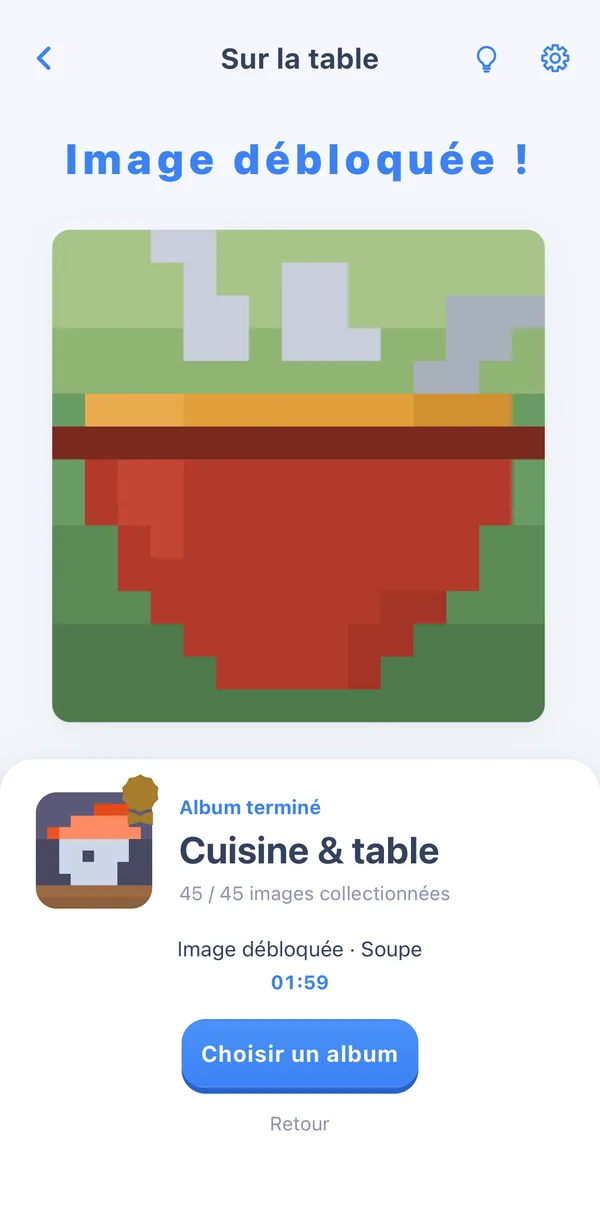
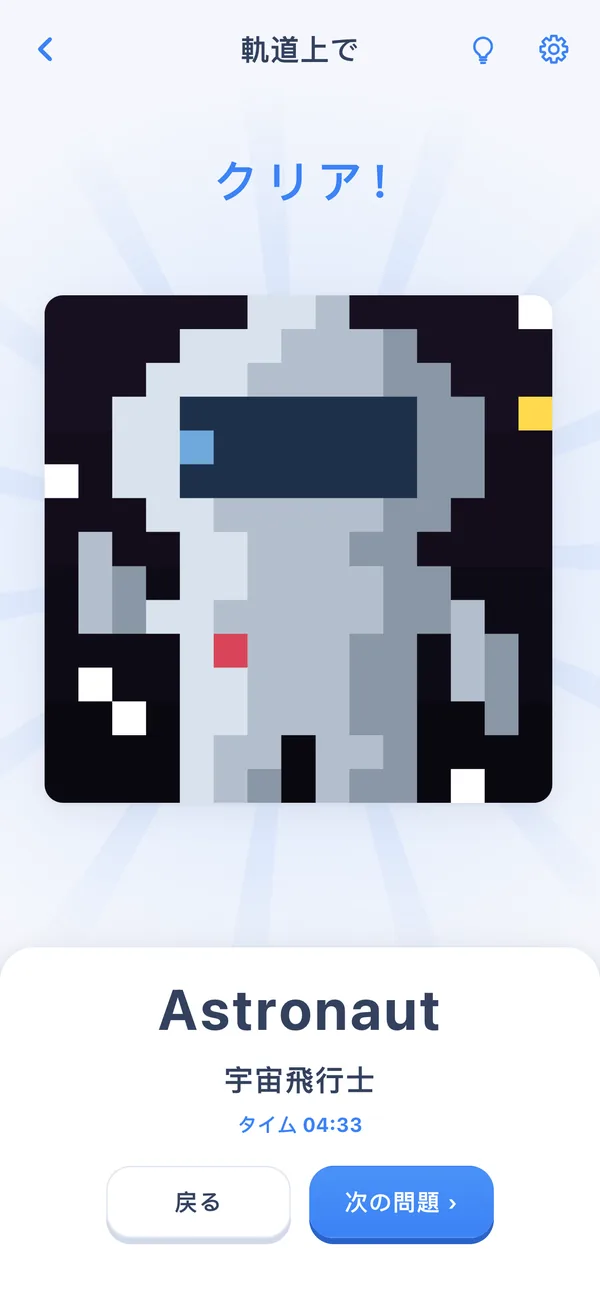
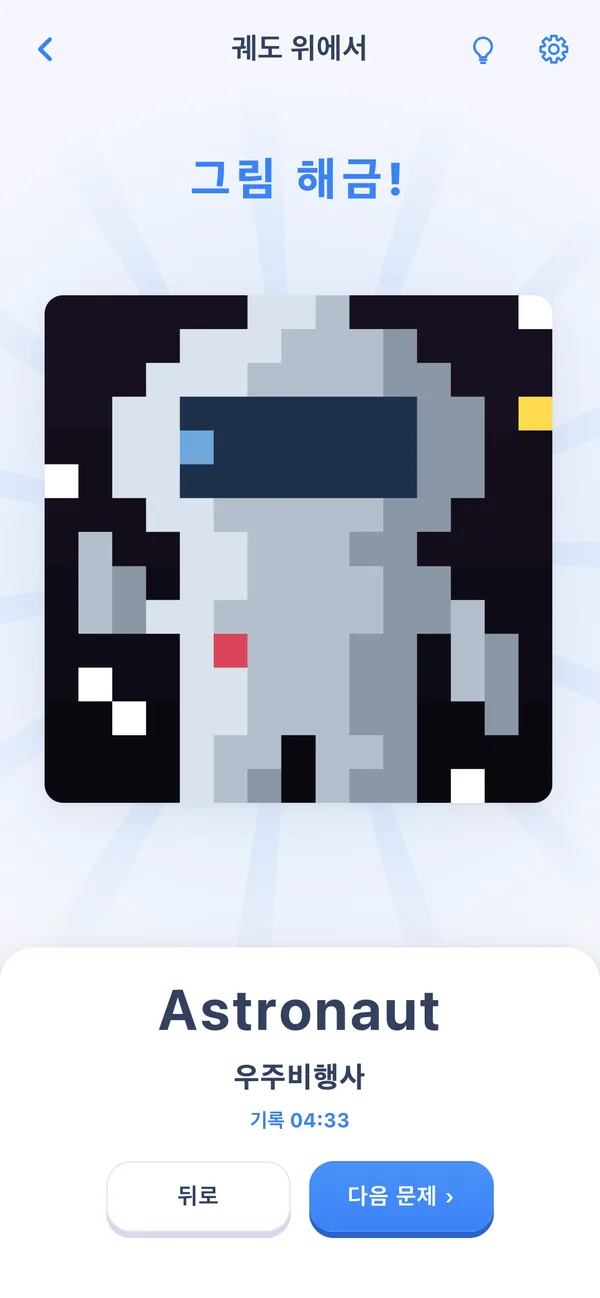
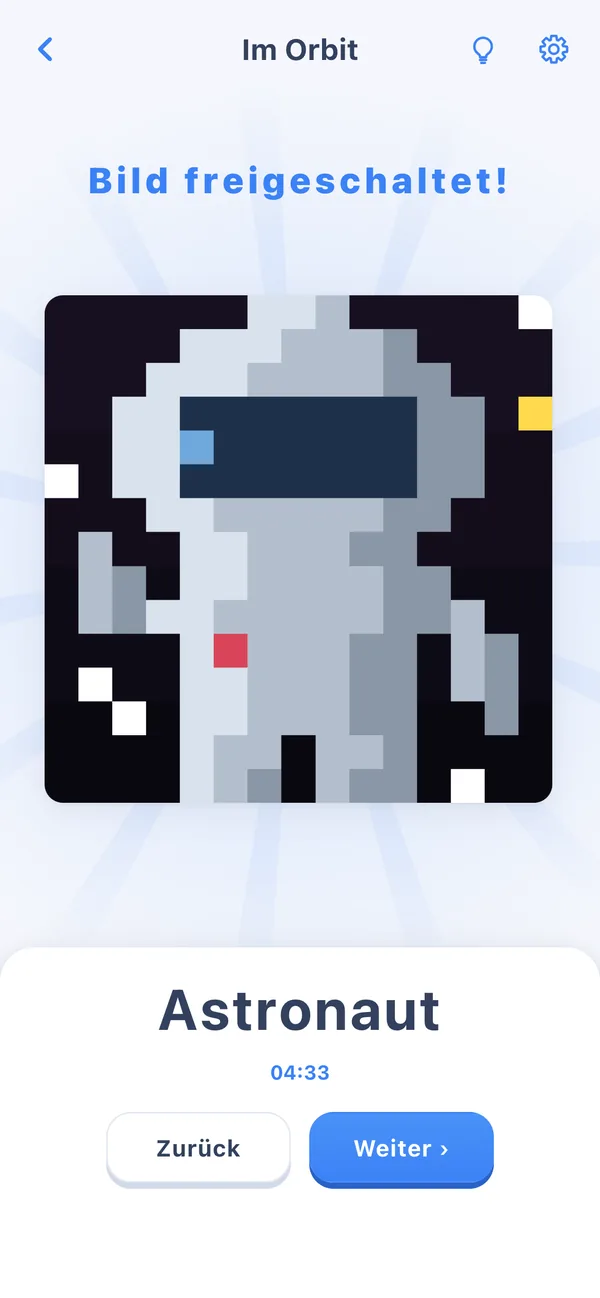
Gridweave follows the system language across 9 languages and falls back to English. UI text and the 600 puzzle names are kept in two separate sets, each with its own check, so a missing translation in any language gets caught; switching language never touches your saves. Even the store name follows the system: "格织" on Chinese systems, "Gridweave" on English ones. One small touch: Chinese, Japanese and Korean players see the English name above the local one when they solve a puzzle, a chance to pick up an English word along the way.
Screenshots5
Full story
- The 9: English, Simplified Chinese, Traditional Chinese, Japanese, Korean, German, French, Spanish, Brazilian Portuguese.
- English is the reference for UI text; if any of the other eight misses a string, the build fails. Puzzle and album names are checked by a script.
- German, French, Spanish and Portuguese players see only the local name. Saves are keyed by fixed IDs, independent of language.
Debug
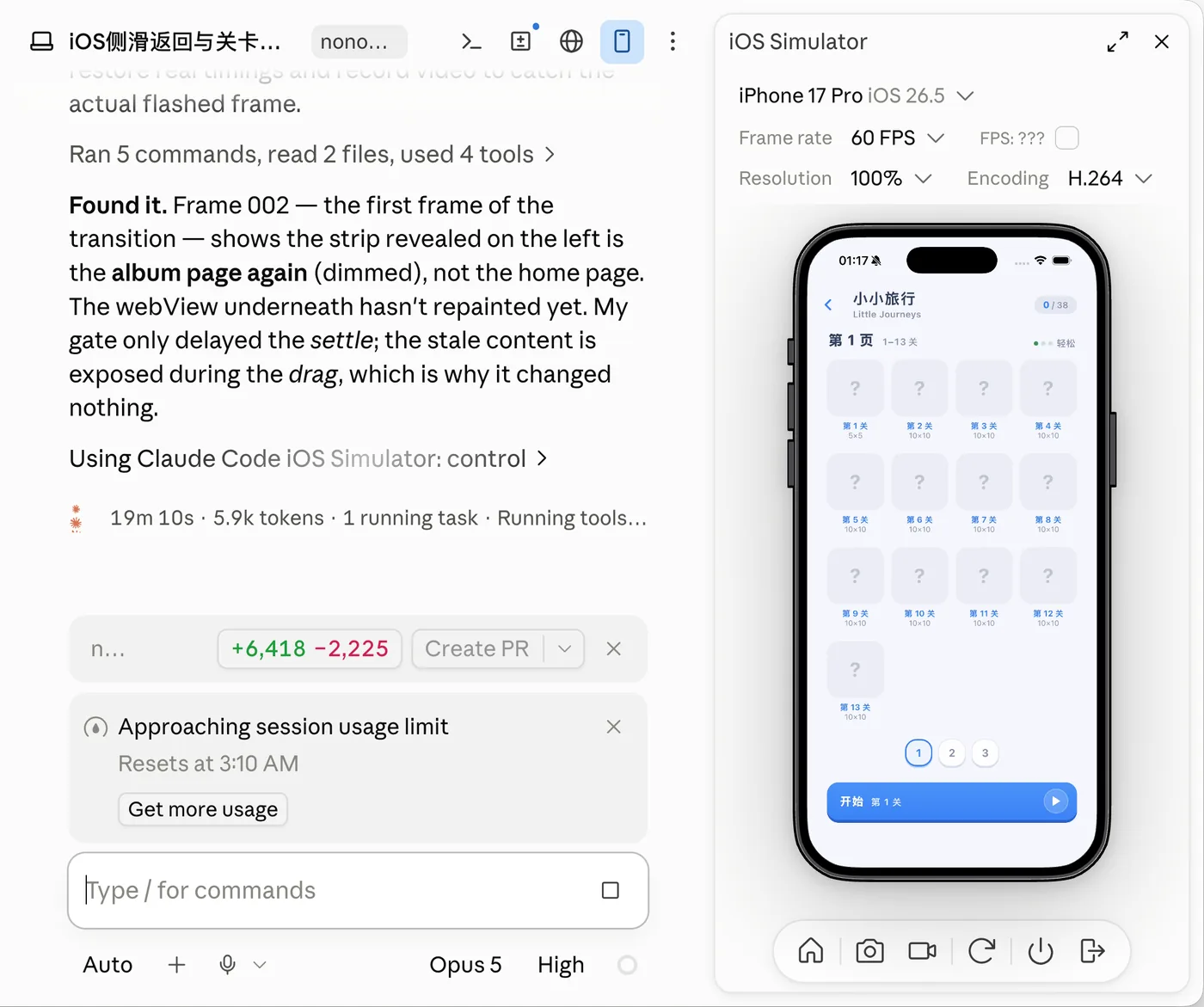
On an older iPhone, swiping back from the left edge flashed a blank screen for 100 to 200 milliseconds. Few people would notice; I traced it frame by frame until it was gone.
A blank flash on the iOS back swipe
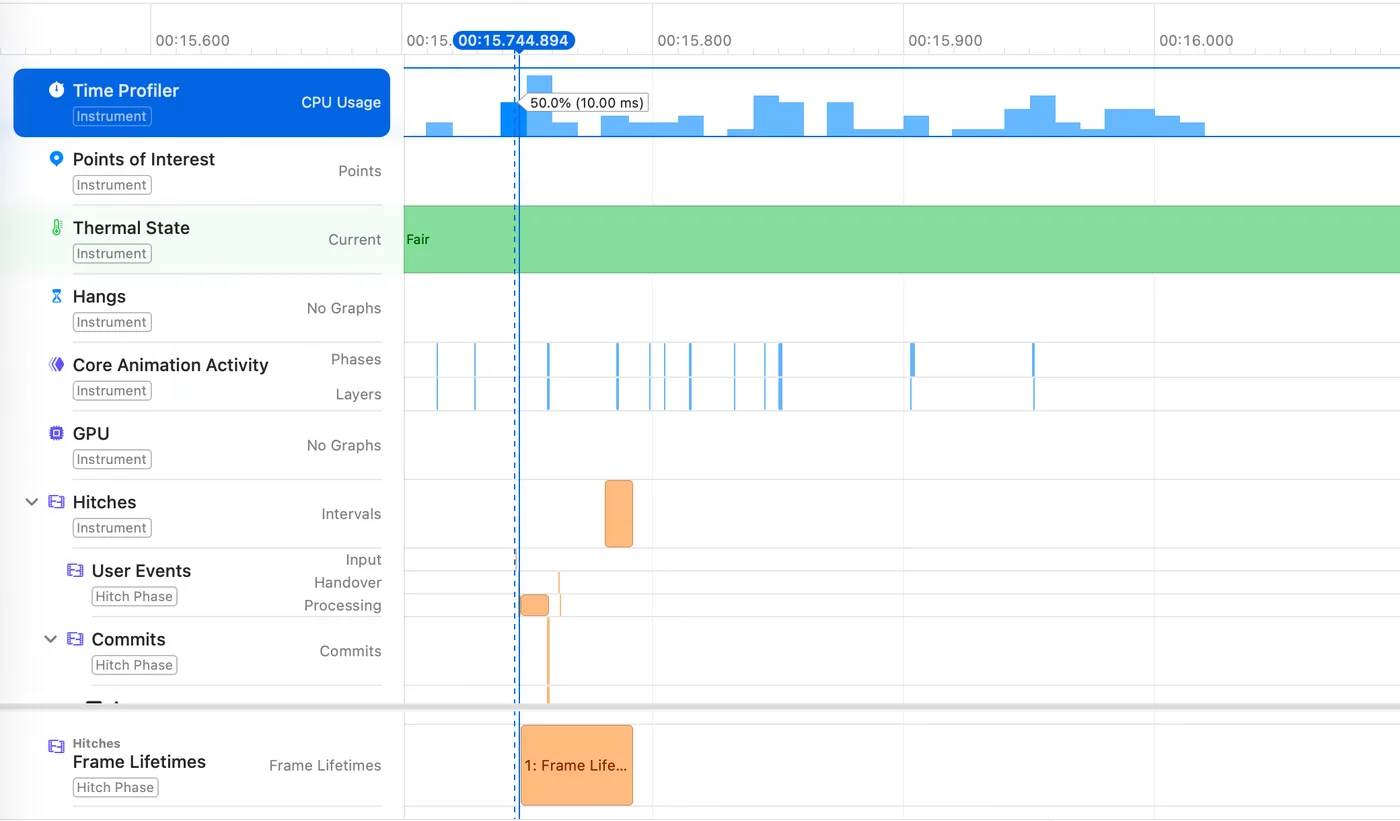
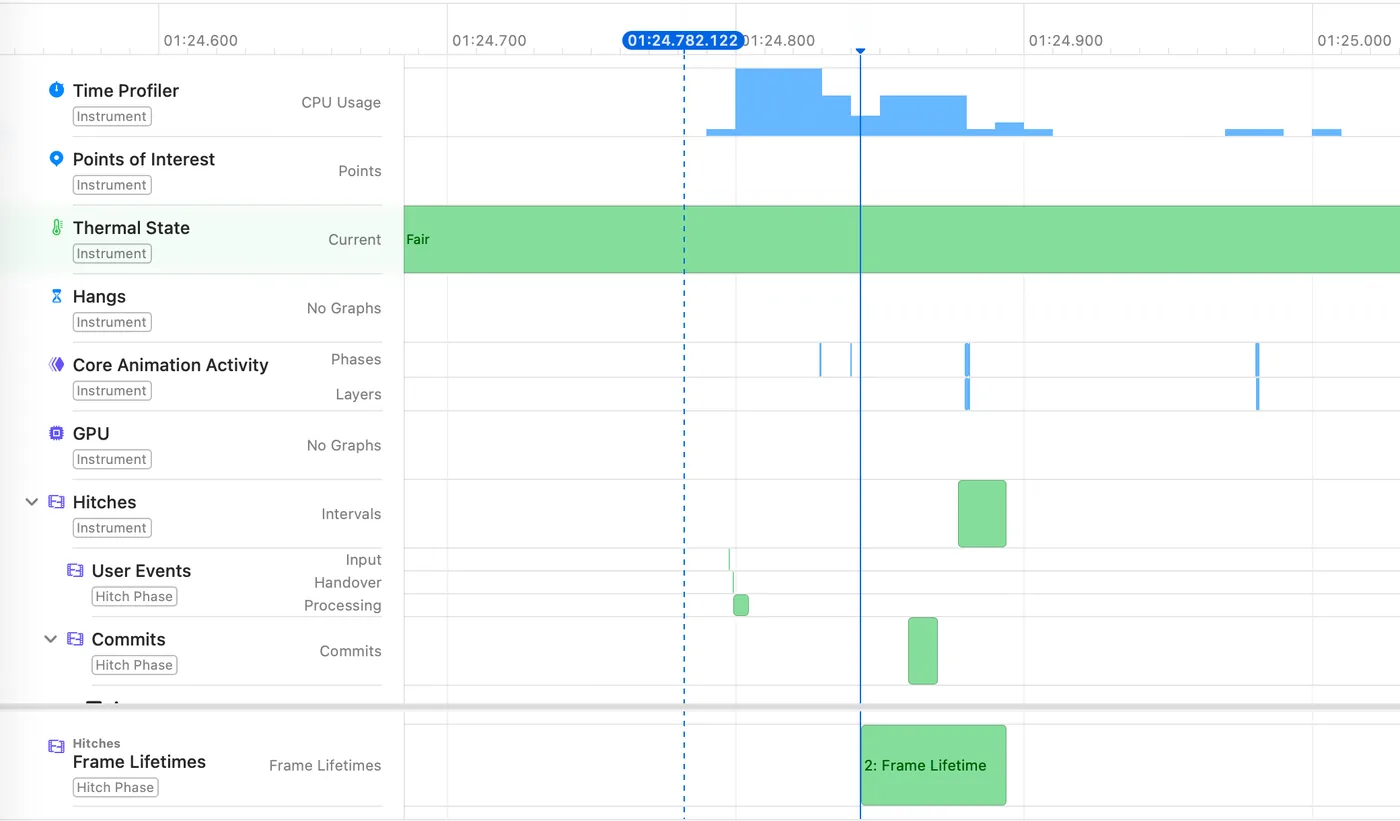
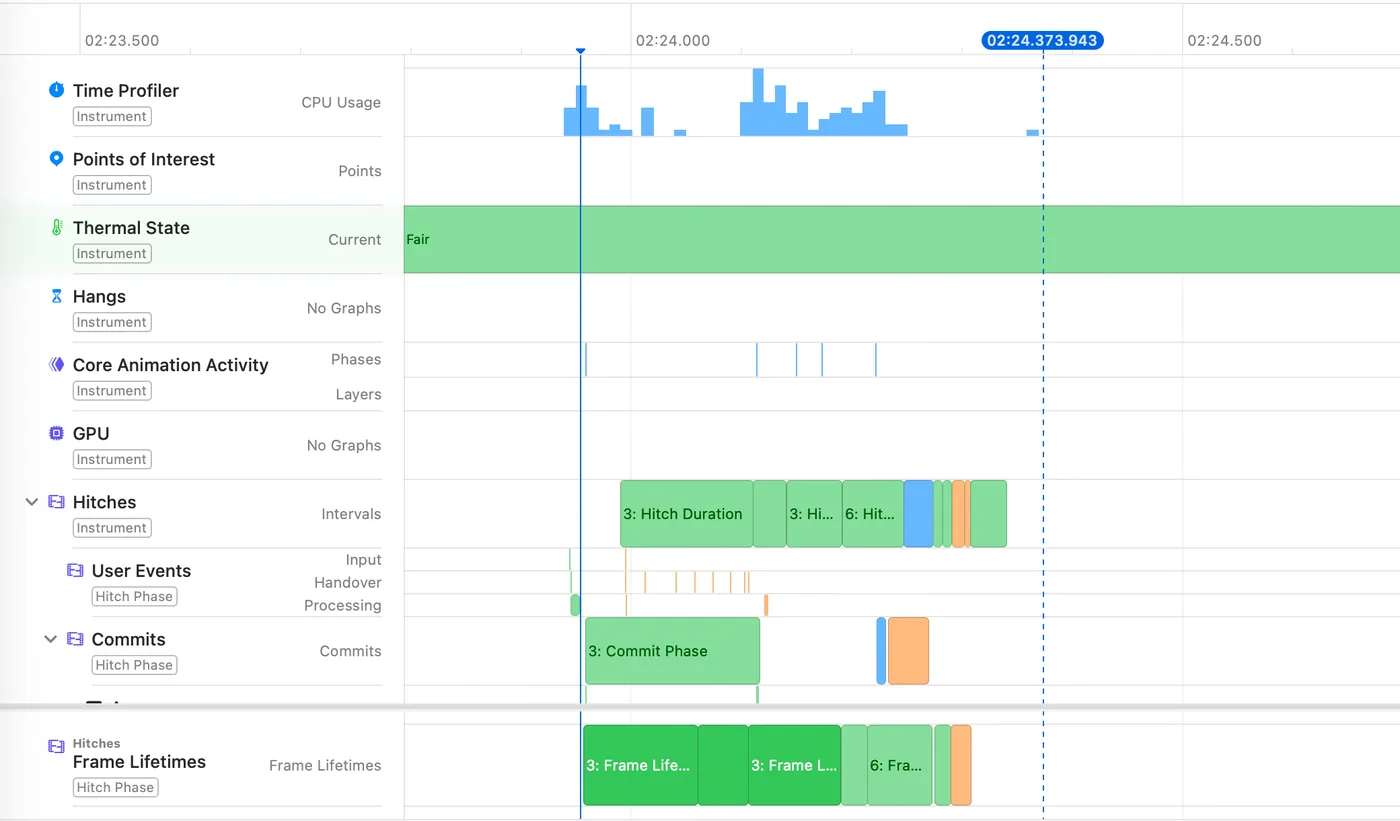
On an iPhone X, swiping back from the left edge showed a blank area, or a flash of the old screen, under your finger. In code, the app had already switched back to the previous page; it just hadn't been drawn on screen yet. I measured one back swipe frame by frame, stage by stage, and flipped the order: reveal the previous page, already drawn, first; finish the switch after. Fifteen runs on the real device later, the blank and stale frames were gone.
- Gesture starts
- Wait for the page to draw
- Reveal previous page
Your finger moves; the screen waits.
- Previous page already drawn
- Gesture starts, reveal at once
- Finish the switch afterwards
The first frame is the right one.
Screenshots4
Full story
- Device: iPhone X, iOS 16.
- Before (median of 5): back to an album about 101 ms (about 6 frames), back to the collection about 194 ms, back to the daily calendar about 114 ms. The game's UI is a web page inside a native iOS shell; messages between the two took 11–13 ms, so that wasn't the bottleneck.
- Two things I tried first weren't enough: keeping the previous page alive saved rebuilding it, but it still had to be laid out and painted again; waiting one extra frame meant the code was ready, but the pixels still weren't.
- The fix: keep the previous page already drawn on its own layer (a composited layer), reveal it the moment the gesture starts, and do the actual page switch afterwards.
- After: 3–7 ms from gesture to reveal (5 valid samples). A full paint still takes 80–110 ms, but the first frame no longer waits for it.
- Acceptance: 15 runs on the device, including fast swipes, cancelled swipes and the state after returning. No blank or stale frames.
- Side note: while profiling memory in Instruments, the profiler itself grew to about 1.85 GB and was killed by the system. Cross-checking with Safari Web Inspector showed the game had no memory problem.
The fastest way to understand it is to play a level.
Start with 100 free puzzles and a new one every day. If you like it, unlock everything with a one-time purchase of US$4.99.
See your local store for the exact price.
Want to see the code? The web demo's source is on GitHub: Jackjimmy/gridweave-demo ↗